
What Your Phone's Specs Actually Mean in Plain English

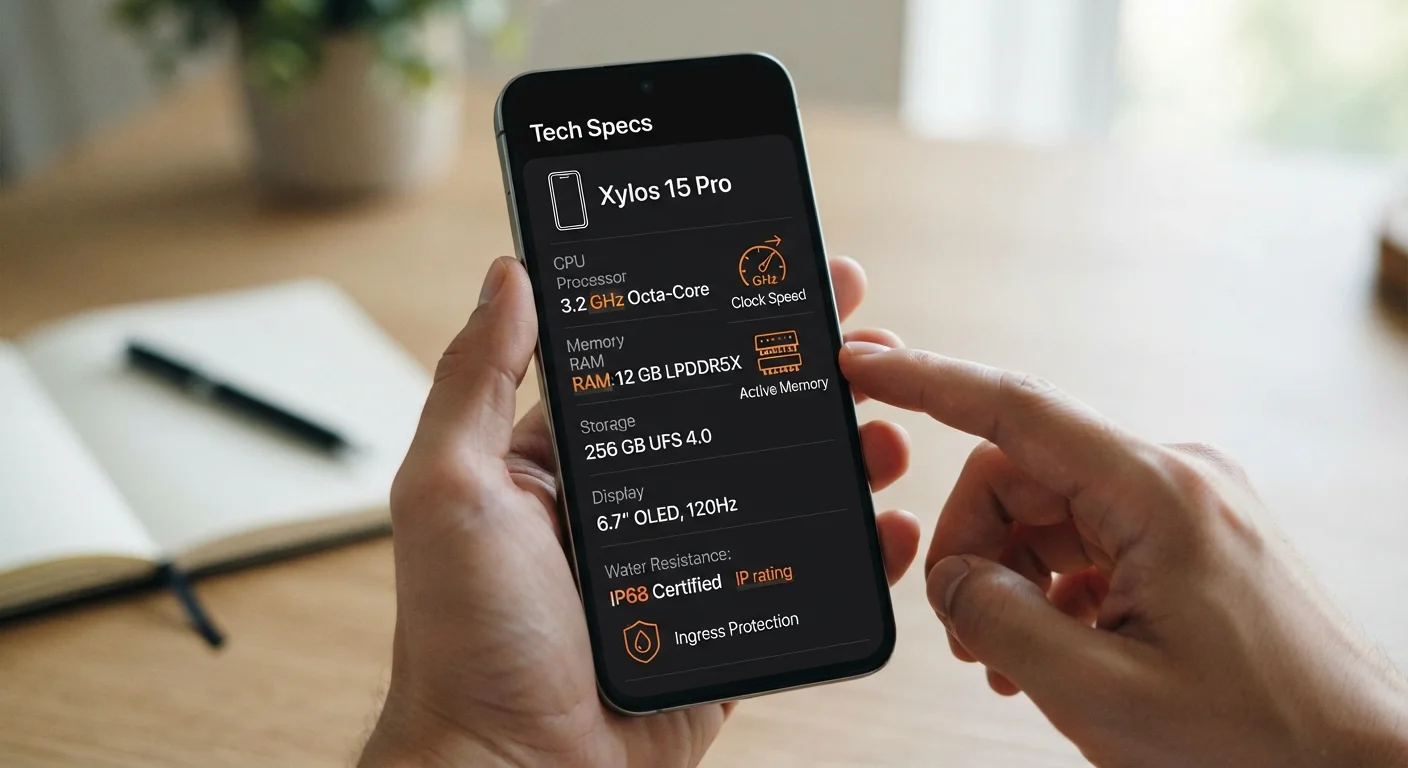
Photo: InsightsVilla.com | Quick Search. Right Info editorial
Why Specs Can Feel Like a Foreign Language
When you're looking at a phone listing, you're often met with a wall of numbers and abbreviations: 12GB RAM, 3.2GHz octa-core, 2400 nits, IP68. These figures aren't meaningless - they describe how a phone performs in your hands every day. The problem is that manufacturers write them for engineers, not everyday shoppers.
This guide translates the most common specs into plain English. Whether you're comparing phones or just trying to understand the one you already own, knowing what these terms actually mean helps you make sense of what matters and what doesn't.
| RAM typical range | 6GB-16GB in most modern smartphones |
| Storage options | 128GB, 256GB, or 512GB most common |
| Highest common IP rating | IP68 (dust-tight, water-resistant up to 1.5m in fresh water) (IEC 60529 standard) |
| Typical display refresh rates | 60Hz (standard), 90Hz, 120Hz (smooth/gaming) |
| Outdoor brightness threshold | ~1,000 nits or more for comfortable sunlight viewing |
| Processor cores (typical) | Octa-core (8 cores) is common in mid-range and flagship phones |
Processing Power: Chips, Cores, and Clock Speed
The processor (also called a chip or SoC - System on a Chip) is the brain of your phone. It handles everything from opening apps to rendering video. Two numbers often describe it:
- GHz (gigahertz): This is the clock speed - roughly how many operations per second the chip can perform. Higher numbers can mean faster performance, but chip design matters just as much as raw speed.
- Cores: Modern chips have multiple cores (e.g., "octa-core" means eight). More cores let the phone handle several tasks at once without slowing down. In practice, phones use different core types - some for heavy tasks, some for efficiency - to balance speed and battery life.
A newer-generation chip often outperforms an older one with a higher GHz rating. The generation matters as much as the numbers. For a deeper look at how all these components work together, see this end-to-end guide to how smartphones actually work.
Memory: RAM, Storage, and Why They're Different
This is one of the most common points of confusion. RAM and storage are both measured in gigabytes (GB), but they do completely different jobs.
- RAM is your phone's short-term working memory - it holds the apps and data you're actively using. More RAM means more apps can stay open in the background without reloading.
- Storage is the long-term memory - where your photos, videos, music, and apps are saved when not in use.
Think of RAM as your desk space and storage as your filing cabinet. A cluttered desk slows you down; a full filing cabinet means you can't save anything new. For a full breakdown of how these two work together, see our guide on storage vs. RAM.
RAM
Random Access Memory - the phone's short-term workspace for active apps and processes. More RAM allows more apps to stay open simultaneously without reloading.
GHz (Gigahertz)
A measure of processor clock speed, describing how many billions of cycles per second a chip can execute. Higher values can suggest faster performance, but chip generation and design also matter significantly.
Nits
A unit of screen brightness. The more nits a display has, the easier it is to see in bright or outdoor conditions.
IP Rating
Ingress Protection rating - a standardized two-digit code indicating a device's resistance to dust (first digit) and water (second digit). IP68 is one of the higher ratings available on consumer phones.
Refresh Rate (Hz)
How many times per second a screen redraws its image. A higher refresh rate (like 120Hz) produces smoother-looking motion during scrolling and video playback.
SoC (System on a Chip)
A single chip that integrates the processor, graphics unit, modem, and other components of a smartphone. It's the central engine that determines much of a phone's performance.
Display: Resolution, Refresh Rate, and Nits
Screen specs describe how sharp, smooth, and bright the display is.
- Resolution (e.g., 1080p, 2K): How many pixels fit on the screen. Higher resolution means crisper text and images.
- Refresh rate (e.g., 60Hz, 120Hz): How many times per second the screen redraws itself. A 120Hz screen looks noticeably smoother during scrolling and gaming than a 60Hz screen.
- Nits: A measure of brightness. Outdoor visibility in direct sunlight generally requires 1,000 nits or more. Higher nit ratings help in bright environments.
Camera specs are closely tied to display quality when reviewing photos. If you want to understand how camera numbers work, megapixels are only part of the picture.
Durability and Connectivity: IP Ratings and Network Bands
Two sets of specs that often get overlooked are IP ratings and network connectivity labels.
- IP ratings (e.g., IP68): These describe dust and water resistance. The first digit (6 in IP68) rates dust protection on a scale of 0-6. The second digit (8) rates water resistance on a scale of 0-9. IP68 is currently among the higher ratings in consumer phones, meaning the device can handle submersion in fresh water under controlled conditions. Note that damage from water is often not covered under standard warranties, and real-world conditions vary.
- 5G / LTE / Wi-Fi 6: These describe how the phone connects to networks. LTE (4G) is the current widespread standard. 5G offers faster speeds where coverage exists. Wi-Fi 6 is a newer wireless standard that improves speeds and reduces congestion on busy networks.
Understanding your charger's labels works similarly - check out what charging labels actually mean for a parallel plain-English breakdown. And if you want to put this knowledge to work in keeping your phone running longer, these practices extend a phone's lifespan.
Specs Alone Don't Tell the Whole Story
The content on this site is for informational purposes only and is not a substitute for professional advice. Always consult a qualified professional for guidance specific to your situation.