
Keeping a Smartphone Running Well for Years, Not Months

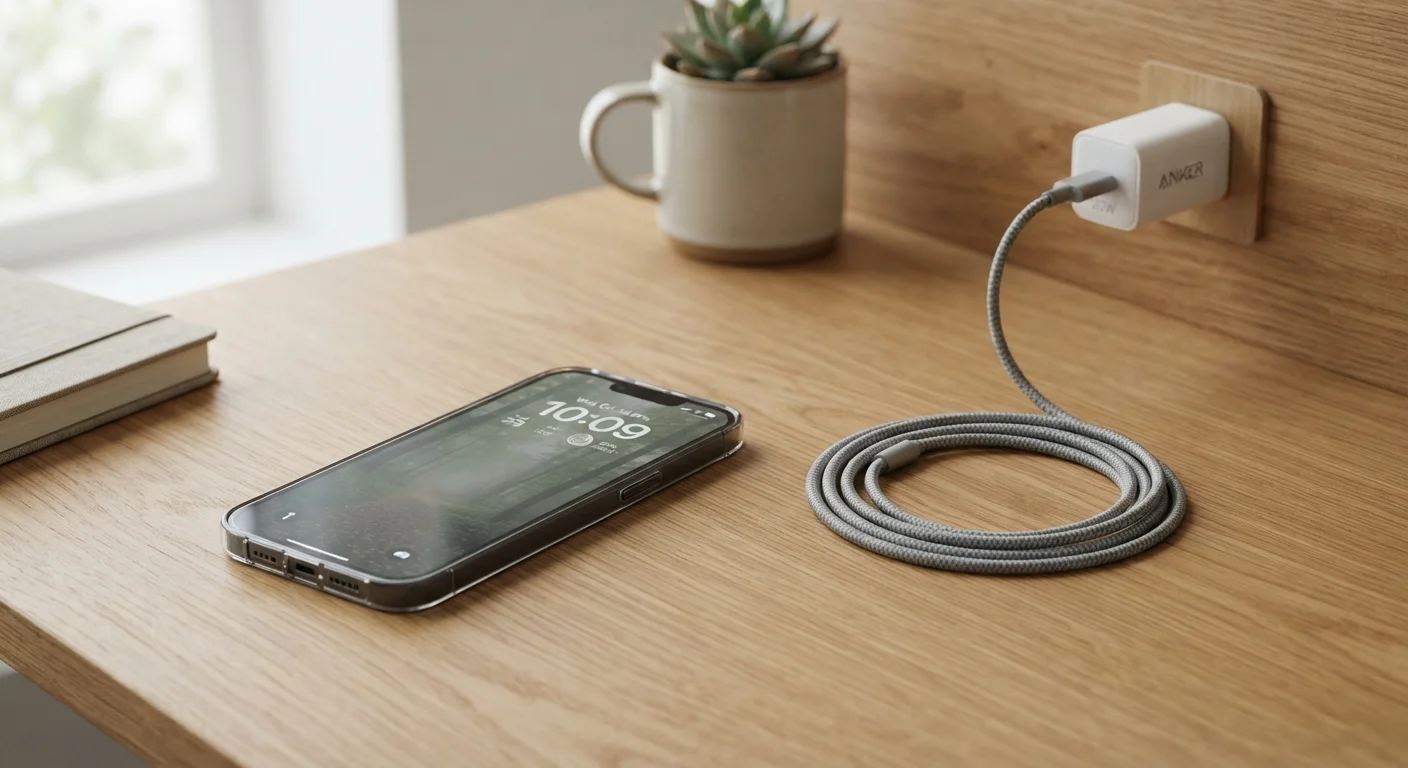
Photo: InsightsVilla.com | Quick Search. Right Info editorial
Key Takeaways
- Charging habits - especially avoiding full-drain cycles - have a direct impact on long-term battery health.
- Keeping storage below 80% capacity helps your phone's processor and memory run more efficiently.
- Installing software updates promptly protects your phone from security vulnerabilities and performance bugs.
- A case and screen protector are among the most cost-effective longevity tools available.
- Periodic app audits remove background processes that silently degrade performance over time.
Why Phones Slow Down - And How to Push Back
Most smartphones don't fail dramatically. They slow down gradually - apps take a beat longer to open, the battery drains by mid-afternoon, and storage warnings appear at the worst moments. These aren't signs of a defective device; they're usually the result of habits that accumulate over time.
The good news: most causes of premature slowdown are preventable. The practices below address the real culprits - battery chemistry, storage management, software hygiene, and physical wear - in plain language, without requiring any technical expertise.
Protect Your Battery From the Start
A lithium-ion battery - the kind in virtually every modern smartphone - degrades with each charge cycle. The goal isn't to eliminate charging; it's to charge in a way that slows that degradation.
Keep your battery charge between 20% and 80% whenever practical
Avoid charging through the night on a regular basis
Use the charger designed for your device's wattage
Install operating system and security updates promptly
Keep free storage above 20% of total capacity
Use a protective case and tempered-glass screen protector from day one
For a deeper look at how fast charging and wireless charging interact with battery longevity, see our guide to charger labels and standards.
Keep Storage and Software in Good Shape
Storage congestion and outdated software are two of the most consistent contributors to sluggish performance. When a phone's storage is nearly full, the operating system struggles to write temporary files and manage memory - everything feels slower as a result.
Software updates do more than add features. They patch security flaws and fix bugs that affect performance. Our article on how smartphone OS updates work explains what's actually happening under the hood - and why updates eventually stop for older devices.
Apps are also worth auditing regularly. Background refresh, push notifications, and location access all consume battery and processing power even when you're not actively using an app. Our article on hidden ways apps drain your battery breaks down exactly what's running and what you can safely turn off.
Physical Protection Pays Off Over Time
Repair costs for cracked screens and damaged ports can approach or exceed the value of an older phone, making physical protection one of the highest-return habits a smartphone owner can develop. A quality case absorbs impact that would otherwise travel directly into the chassis and screen assembly. A tempered-glass screen protector takes the scratch and crack damage that would otherwise accumulate on the display itself.
Apply a Screen Protector Before the First Scratch
Ports deserve attention too. Charging ports and headphone jacks collect lint and debris over time, which can interfere with connections. Gentle cleaning with a dry toothpick or a can of compressed air - never sharp metal objects or moisture - can prevent charging problems before they start.
Heat is another underappreciated threat. Leaving a phone on a hot car dashboard or using it while it charges for extended periods raises internal temperatures that accelerate battery wear. Keeping the device at room temperature when possible is a simple but meaningful habit.
The Long View: Small Habits, Lasting Results
None of these practices require significant effort or expense. Together, they address the most common reasons smartphones underperform before their time. Think of it similarly to how consistent upkeep habits extend the life of other valuable items - the same logic that applies to managing car ownership costs over time applies here: small, consistent actions prevent larger, avoidable problems.
500+
Full charge cycles before noticeable battery capacity loss
Most lithium-ion batteries retain roughly 80% of original capacity after 500 full cycles, with partial-charge habits extending this considerably, per industry battery specifications.
~3 years
Average U.S. smartphone replacement cycle
Research from Statista and CIRP has placed the average American smartphone upgrade cycle between 2.5 and 3.5 years, suggesting most devices are replaced before hardware failure.
If you're managing a phone that's already cluttered, start with an app audit. Remove anything you haven't used in the past two months, revoke unnecessary background permissions, and clear cached data from your settings. That single session often produces a noticeable improvement. For a structured approach to reducing app clutter, see practical approaches to organizing your phone.
The content on this site is for informational purposes only and is not a substitute for professional advice. Always consult a qualified professional for guidance specific to your situation.