
Storage vs. RAM on a Smartphone: A Confusion That Trips Up a Lot of People

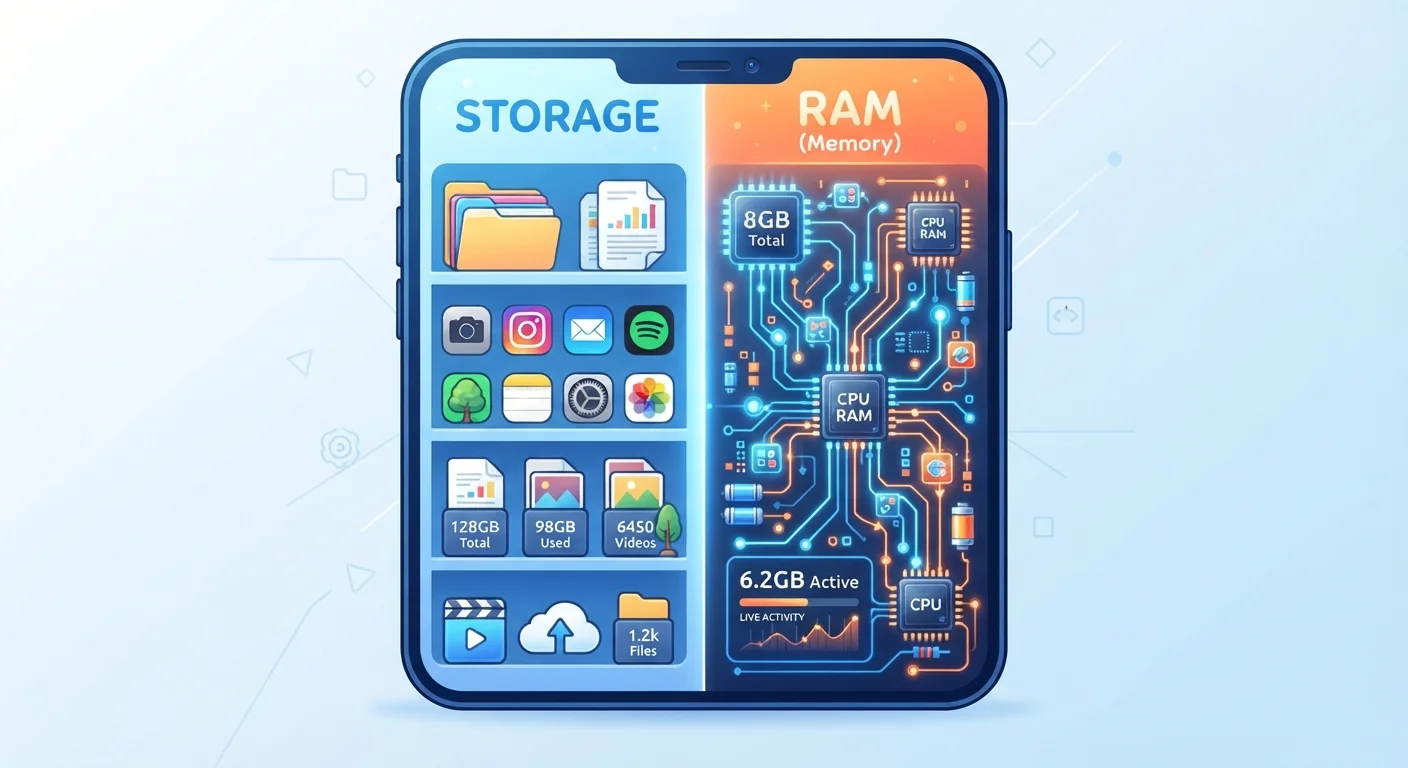
Photo: InsightsVilla.com | Quick Search. Right Info editorial
Key Takeaways
- Storage holds your photos, apps, and files permanently - even when the phone is off.
- RAM is temporary working memory that keeps active apps running smoothly.
- A full storage drive slows downloads; low RAM slows multitasking - these are separate problems.
- More RAM generally means smoother performance; more storage means room for more files.
- Neither type can substitute for the other - they serve completely different purposes.
The Core Difference, In Plain Terms
Think of your smartphone like a physical desk. Storage is your filing cabinet - it holds everything you want to keep: photos, videos, downloaded apps, music, and documents. That content stays put whether your phone is on or off.
RAM (Random Access Memory) is the surface of the desk itself - the active workspace where tasks actually happen. When you open an app, the phone loads it into RAM so it can run quickly. The more desk space you have, the more things you can work on at once without shuffling papers in and out of the filing cabinet.
These two types of memory are measured in the same units (gigabytes, or GB), which is a big reason people mix them up. But they work completely differently and affect your experience in distinct ways. For a broader look at what these and other spec terms mean, see what your phone's specs actually mean in plain English.
What Storage Actually Does
Storage is the long-term home for everything on your phone. When you take a photo, install an app, or download a podcast, it goes into storage. Most phones today come with 128GB or more of internal storage, though lower-end models may offer 64GB.
When storage fills up, you'll notice specific symptoms: you can't download new apps, the camera refuses to save photos, and the phone may prompt you to free up space. Performance can also degrade because some phones use a small portion of storage as virtual memory when RAM runs low - a congested drive makes that slower.
Storage is not what makes apps open faster. That's RAM's job. If your apps feel sluggish but you have plenty of free storage, storage isn't your problem.
Quick Way to Check Both on Your Phone
For a deeper look at where your files actually live - including the trade-offs of keeping things on-device versus in the cloud - cloud storage vs. local storage covers it well.
What RAM Actually Does
RAM is your phone's short-term, active memory. Every app you open gets loaded into RAM so the processor can access it instantly. When you switch between apps, the phone tries to keep recent ones in RAM so they reopen without reloading from scratch.
If RAM fills up, the phone starts closing background apps to make room. You'll notice this as apps reloading from scratch when you return to them, or animation stutters when switching tasks quickly.
Budget phones often come with 3-4GB of RAM; mid-range phones typically offer 6-8GB; high-end devices can reach 12GB or more. More RAM doesn't make a single app faster - it means you can keep more apps active at once without the system having to drop them.
| Storage | RAM | |
|---|---|---|
| What it holds | Photos, apps, files, videos | Currently active apps and processes |
| Persistence | Permanent (survives power-off) | Temporary (cleared when phone restarts) |
| Typical capacity | 64GB-512GB+ | 3GB-16GB |
| When it matters | Downloading, saving, installing | Multitasking, switching apps, gaming |
| Sign it's running low | Can't save or install new content | Apps reload; animations stutter |
| User fix | Delete files, use cloud backup | Close unused apps, restart phone |
A common misconception is that manually closing apps frees up useful RAM. In practice, most operating systems manage RAM automatically and efficiently. Constantly force-closing apps can actually slow things down by forcing them to reload from storage each time. App myths most smartphone users still believe covers this and similar misunderstandings in detail.
Diagnosing Your Phone's Real Problem
Because storage and RAM cause different symptoms, it helps to know which one you're actually dealing with:
- Can't install apps or save photos? That's a storage problem. Free up space by deleting unused apps, offloading photos to cloud backup, or clearing app cache.
- Apps reload every time you switch back to them? That's a RAM limitation. You may have too many apps running, or your phone simply doesn't have enough RAM for your usage patterns.
- Phone feels slow overall? Could be either - or neither. Older processors, outdated software, and excessive background processes can all cause sluggishness independently of storage or RAM levels.
If you want to go further in organizing what's on your device, practical approaches to app clutter offers concrete strategies. And if any of the terminology here felt unfamiliar, the app glossary for smartphone users is a useful reference to bookmark.
The content on this site is for informational purposes only and is not a substitute for professional advice. Always consult a qualified professional for guidance specific to your situation.