
What App Permissions Actually Mean - And Why They Matter

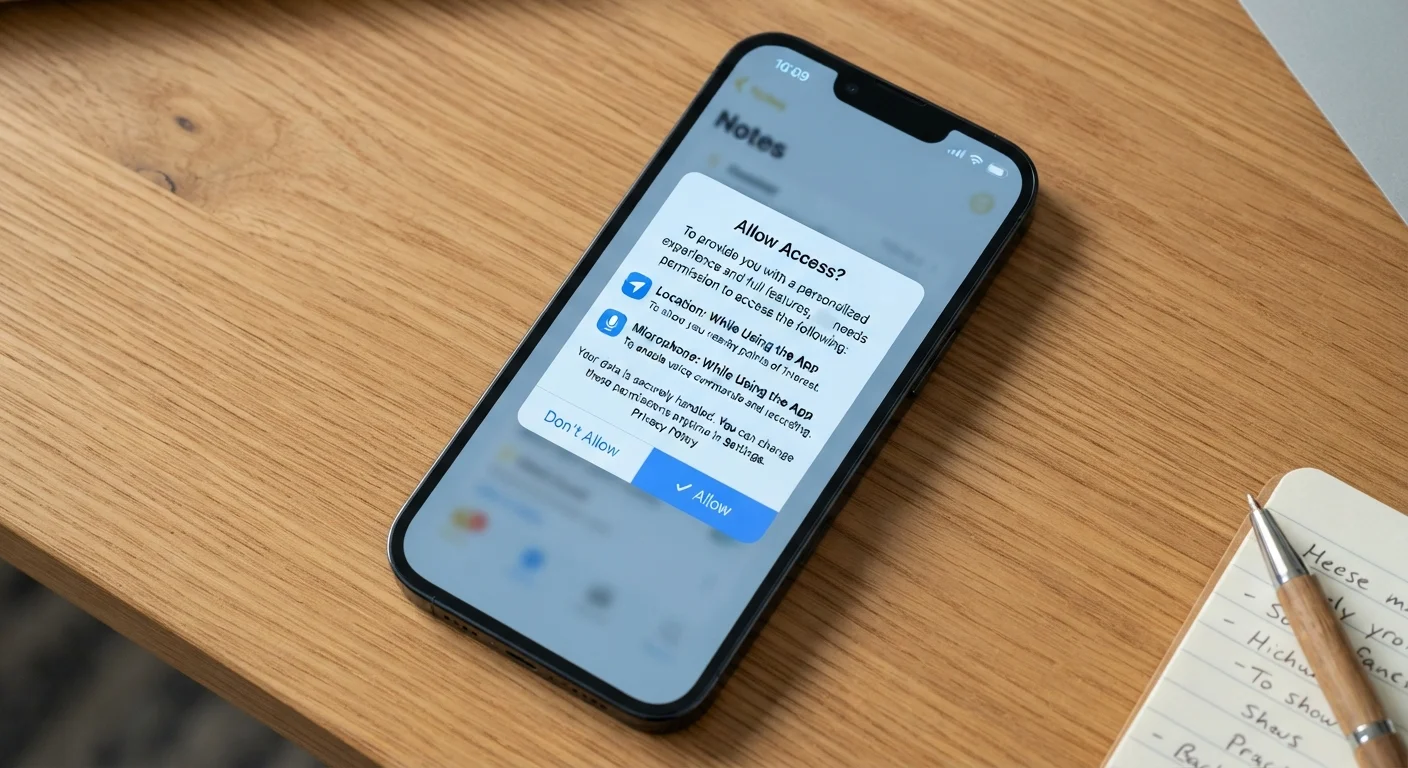
Photo: InsightsVilla.com | Quick Search. Right Info editorial
Key Takeaways
- Each permission grants an app access to a specific phone resource, like your camera, location, or contacts.
- Some permissions carry more privacy risk than others depending on what data they expose.
- You can review and revoke permissions at any time through your phone's settings.
- Granting a permission to one app does not affect what other apps can access.
- A mismatch between an app's purpose and its permission requests is a key warning sign.
What Each Common Permission Actually Accesses
When an app asks for permission, it's requesting access to a specific hardware feature or data store on your device. Here's what the most common ones actually mean:
- Location: Your GPS coordinates, which can be precise (within feet) or approximate (city-level). Apps can request location only while in use, or continuously in the background.
- Camera: The ability to activate your phone's camera and capture photos or video within the app.
- Microphone: Access to record audio through your phone's microphone, used in voice calls, dictation, and audio recording features.
- Contacts: Your full address book, including names, phone numbers, emails, and any notes. See a balanced look at what apps do with this data in our article on letting apps access your contacts.
- Photos/Media: Access to images and videos stored on your device - sometimes scoped to specific albums, sometimes the entire library.
- Notifications: The ability to send alerts, banners, and sounds to your device even when you're not using the app.
- Bluetooth: The ability to discover and connect to nearby Bluetooth devices, increasingly used for location tracking in stores or proximity-based features.
"Allow Once" Is Always an Option
When Granting a Permission Makes Sense - And When It Doesn't
The key question is whether a permission matches the app's core purpose. A mapping app requesting location access is entirely reasonable. A recipe app doing the same raises a legitimate question about why it needs that data.
Here's a practical way to evaluate any request:
- Does the feature requiring this permission exist in the app? If you can see a clear use case - a video chat app asking for camera access, for instance - the request is logical.
- Is the scope appropriate? An app that needs location to show local results doesn't need continuous background access; "While Using the App" is sufficient.
- Is the timing suspicious? If an app asks for microphone access before you've triggered any recording feature, that's worth pausing on.
Permissions that carry the highest privacy weight include location (especially continuous), contacts, and microphone - because they expose data about your habits, your relationships, and potentially your conversations. Notification permissions, by contrast, affect your attention more than your privacy.
Start With 'Deny' and Grant Selectively
How to Review and Manage Permissions on Your Phone
Both major mobile platforms give you full control over permissions after the fact. You don't have to decide permanently at the moment an app first asks.
On iPhone (iOS): Go to Settings > Privacy & Security. You'll see every permission category - tap any one (like Location Services or Microphone) to see which apps have access and change it. You can also go to Settings > to see all permissions granted to a specific app in one place.
On Android: Go to Settings > Privacy > Permission Manager. Similar to iOS, you can browse by permission type or find individual apps under Settings > Apps to review their permissions.
It's worth doing a periodic audit - especially for apps you haven't opened in months. Unused apps that retain sensitive permissions represent unnecessary exposure. Revoking access from dormant apps is a simple, low-effort privacy improvement.
Because background location access and constant data pinging also affect how long your battery lasts, managing permissions has practical benefits beyond privacy. Our article on how apps drain your phone battery explains the connection in detail.
Recognizing Red Flags in Permission Requests
Most legitimate apps request only what they genuinely need. When something feels off, it often is. Common red flags include:
- A utility or game requesting contacts, microphone, or precise location without any obvious feature that requires it.
- An app requesting permissions immediately at launch, before you've interacted with it enough to understand why it would need them.
- A free app with an aggressive set of data-access permissions - in some cases, data collection is part of the business model. Our overview of free vs. paid app tiers covers this trade-off more broadly.
Unfamiliar apps from small developers also warrant extra scrutiny. Checking an app's reviews and reading its privacy policy - however briefly - before granting broad access is a reasonable precaution. Understanding app permissions is one part of a broader picture of how your phone handles your data, including what your screen time data reveals about your habits.
45%
Apps requesting more permissions than needed
Research from mobile security analysts has found a significant portion of apps in major app stores request permissions beyond their core functionality.
3 in 4
Users who rarely review app permissions
Studies on mobile privacy behavior suggest most users grant permissions at install time and do not revisit them, leaving outdated access in place.
Location
Most commonly requested sensitive permission
Across both Android and iOS ecosystems, location access is consistently among the most frequently requested permissions by third-party apps.
Frequently Asked Questions
The content on this site is for informational purposes only and is not a substitute for professional advice. Always consult a qualified professional for guidance specific to your situation.