
The Hidden Ways Apps Drain Your Phone Battery

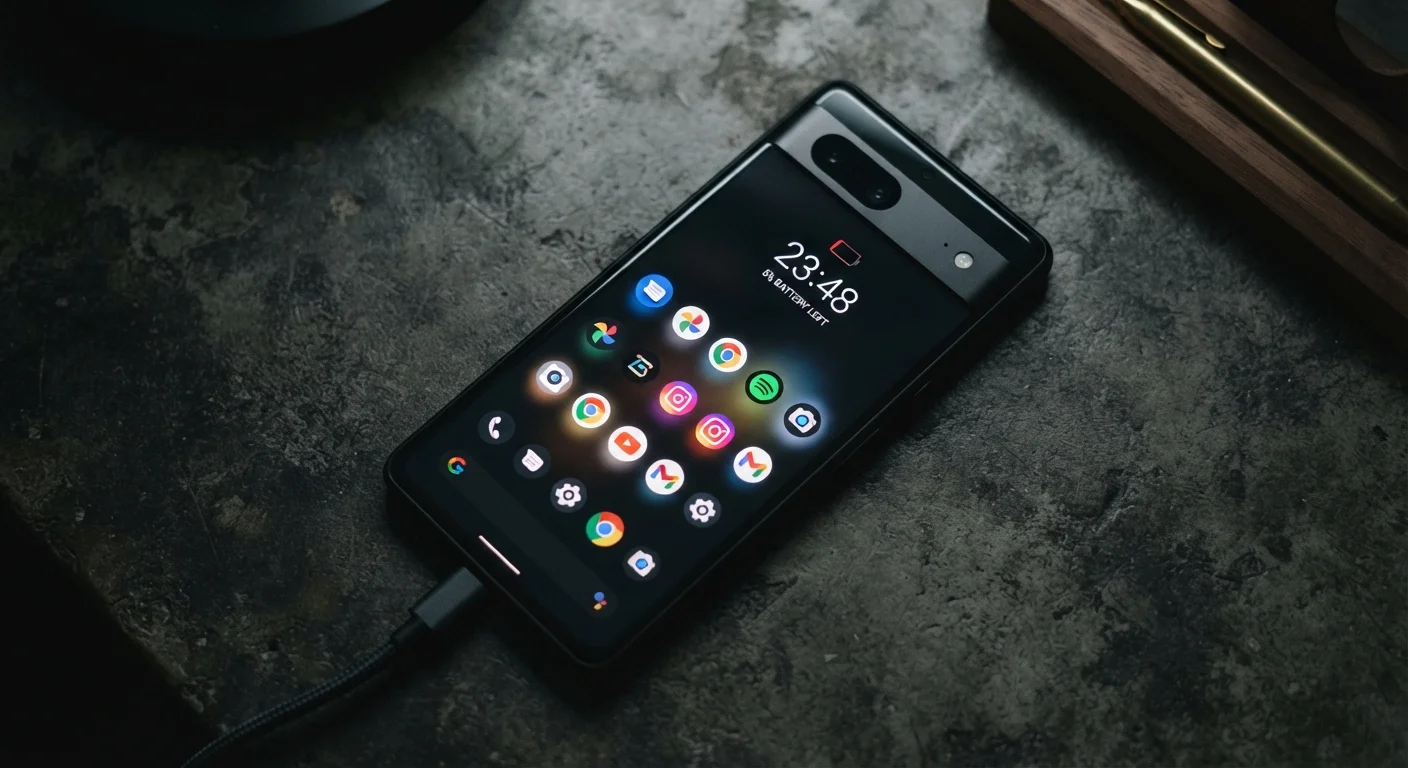
Photo: InsightsVilla.com | Quick Search. Right Info editorial
Key Takeaways
- Apps can drain your battery even when your screen is off and the app appears closed.
- Background refresh, location access, and push notifications are the three biggest hidden power consumers.
- Your phone's built-in battery usage screen identifies which apps are responsible for the most drain.
- Limiting location access to 'While Using' instead of 'Always' is one of the most effective adjustments.
- Uninstalling apps you rarely use eliminates their background activity entirely.
Why Your Battery Drains When You're Not Even Using Your Phone
Most people assume battery life is mostly about screen-on time - streaming video, browsing social media, playing games. But a significant share of daily drain happens invisibly, driven by apps operating in the background without any input from you.
Three mechanisms account for most of this hidden consumption: background app refresh, location services, and push notifications. Understanding what each one does - and why it costs power - gives you real control over your battery life. For a broader look at what's actually killing your charge, see why your phone battery dies so fast.
~20%
Battery drain attributed to background activity
Research published by mobile analytics firms has consistently found that background processes account for a meaningful share of daily battery consumption on smartphones.
3x
Higher drain from 'Always On' vs. 'While Using' location
Studies on mobile power consumption indicate that apps set to track location continuously can use significantly more battery than those restricted to active use only.
80+
Average app notifications received per day
Industry estimates suggest heavy smartphone users receive dozens to over 80 notifications daily across all installed apps, each requiring a small processor wake-up.
Background App Refresh: The Constant Content Fetcher
Background app refresh allows apps to periodically wake up, connect to the internet, and pull in new data - so that when you open them, the content is already loaded. News apps pre-download headlines. Email clients check for new messages. Social feeds queue up posts.
This convenience comes at a cost. Each background wake-up requires the processor to spin up, the radio to establish a network connection, and data to be transferred and processed - all of which consumes power. Apps that refresh frequently, or that download large amounts of data (like photo-heavy social feeds), can be meaningful drains even on days you barely open them.
What to do: On iOS, go to Settings > General > Background App Refresh and disable it for apps that don't need to be current before you open them. On Android, the setting varies by manufacturer but is typically found under Settings > Apps > > Battery.
Start With Your Highest-Drain Apps
Location Services: Always Watching, Always Costing
GPS and location-based services are among the most power-hungry features a phone has. The GPS chip actively communicates with satellites, and when combined with Wi-Fi triangulation and cellular tower data for precision, the energy cost adds up quickly.
The problem isn't apps that use location when you ask them to - it's apps set to track your location always, even when running in the background. Many apps request this permission during setup and users grant it without realizing the ongoing battery impact. Retail apps, weather apps, and even some games may be silently pinging your location throughout the day.
What to do: Review location permissions in your phone's settings. For most apps, switching from Always to While Using the App eliminates background location drain without removing the feature entirely. This single change is often one of the most effective battery adjustments available. Contact and location permissions deserve careful review for any app you haven't recently audited.
Push Notifications: Small Pings, Cumulative Cost
Every push notification involves a small but real exchange: a server sends a signal, your phone wakes its radio and processor, processes the notification, and lights up the screen. Individually, the cost is modest. But multiply that across dozens of apps sending multiple notifications per day - promotional alerts, social activity, news flashes - and the cumulative drain becomes significant.
Beyond the direct power cost, notifications prompt you to pick up your phone, which leads to screen-on time that drains the battery further. The indirect cost of notification-driven phone use is often larger than the notification itself.
What to do: Audit notification permissions and disable them for any app that doesn't genuinely need to reach you in real time. Both iOS and Android allow granular control - you can keep alerts from messaging apps while silencing promotional noise from retail or entertainment apps.
It's also worth revisiting some common assumptions about app management. App myths most smartphone users still believe covers why force-closing apps isn't the battery fix many people assume it is.
Using Your Phone's Built-In Tools to Identify Drain
Both major mobile operating systems provide battery usage dashboards that show exactly how much power each app has consumed. On iOS, navigate to Settings > Battery. On Android, look under Settings > Battery > Battery Usage. These screens break down consumption by app over the past day or week, and often flag when background activity - rather than active use - was the source.
Review this data periodically rather than waiting until your battery frustrates you. An app that appears modest in foreground use may reveal unexpectedly high background consumption. If an app consistently shows disproportionate usage and you don't need it frequently, consider removing it altogether. Before you delete an app, understand what happens to your data - uninstalling doesn't always remove your account or information from a company's servers.
For longer-term phone health, battery management is just one piece of a larger puzzle. Keeping a smartphone running well for years covers charging habits, storage hygiene, and other practices that extend device lifespan.
Battery Percentages Degrade Over Time
Frequently Asked Questions
The content on this site is for informational purposes only and is not a substitute for professional advice. Always consult a qualified professional for guidance specific to your situation.