
The Truth About Charging Your Phone Overnight

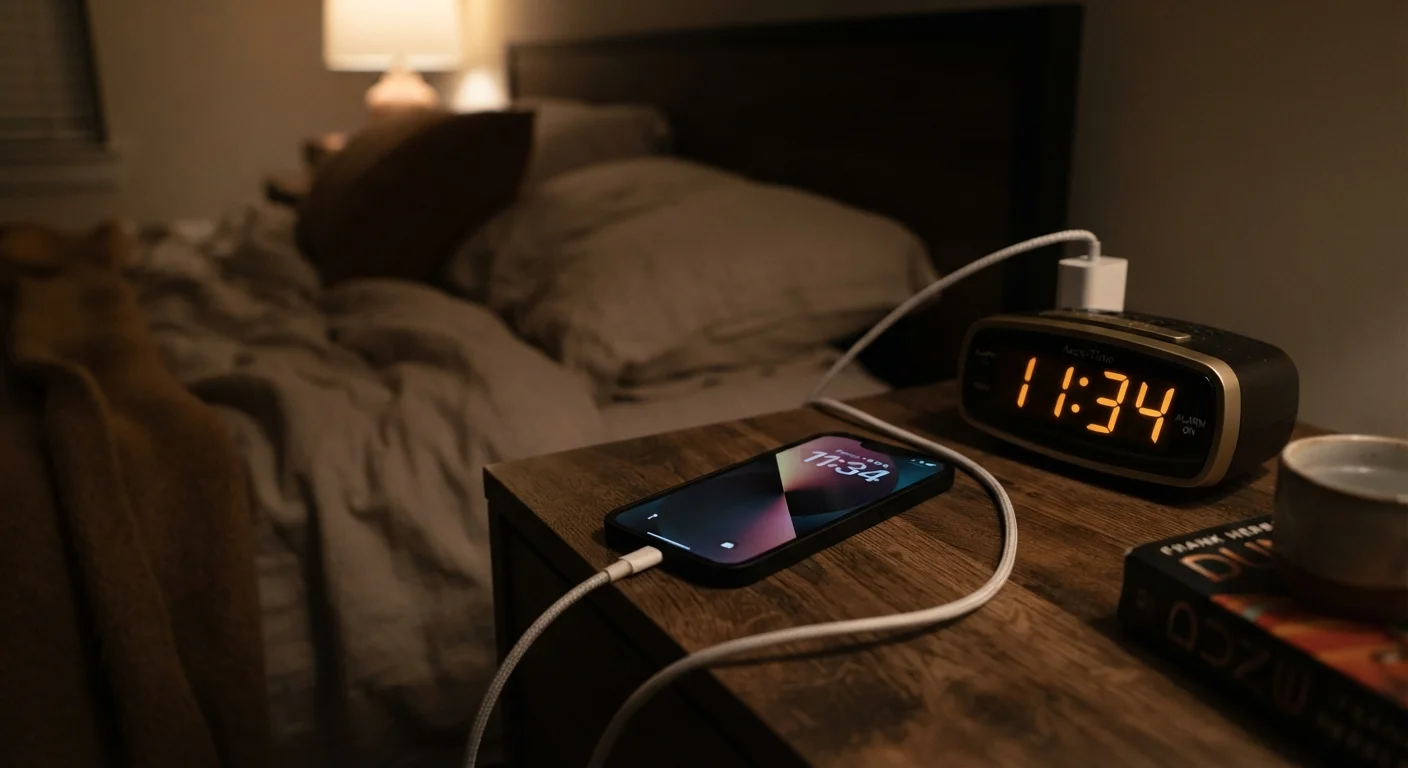
Photo: InsightsVilla.com | Quick Search. Right Info editorial
Key Takeaways
- Modern smartphones use battery management chips that stop charging once the battery reaches 100%.
- Keeping a phone plugged in long-term at 100% can cause minor battery stress, but it's rarely dramatic.
- Heat - not overnight charging itself - is the real enemy of lithium-ion battery health.
- Optimized charging features on most current phones actively reduce overnight battery wear.
- Staying between 20% and 80% charge is the best habit for long-term battery longevity.
Why This Myth Has Persisted
The idea that leaving your phone plugged in overnight ruins the battery has circulated for over a decade. It originated during the early era of nickel-cadmium (NiCd) batteries, which genuinely did suffer from overcharging and developed a "memory effect" that reduced capacity over time. Today's smartphones use lithium-ion (Li-ion) or lithium-polymer batteries - chemistries that behave very differently. Despite this, the old warning stuck around and gets passed down as conventional wisdom.
Understanding the truth requires a basic grasp of how modern phone batteries actually work - and the hardware built specifically to protect them. For a broader look at what's really shortening your battery life day to day, see why your battery drains so fast.
Common Charging Myths - Corrected
Let's work through the most persistent misconceptions about overnight and everyday charging habits.
Myth
Leaving your phone plugged in overnight will overcharge the battery and damage it.
Fact
Modern smartphones have dedicated battery management hardware that stops the flow of charge once the battery reaches 100%, preventing true overcharging.
Every current smartphone - regardless of brand or operating system - includes a power management integrated circuit (PMIC) that acts as a gatekeeper between the charger and the battery. Once the battery hits full capacity, the PMIC redirects incoming power to run the phone directly rather than pushing more charge into the cells. The battery is effectively bypassed. This is a hardware-level safeguard, not a software feature that can glitch out.
Myth
You should always drain your phone to 0% before charging it to keep the battery healthy.
Fact
Fully discharging a lithium-ion battery regularly is actually harder on the cells than topping it up with partial charges throughout the day.
Lithium-ion chemistry doesn't have the "memory effect" that plagued older NiCd batteries. In fact, deep discharge cycles - repeatedly running a Li-ion battery down to zero - are more stressful than shallower partial cycles. Battery engineers measure battery life in charge cycles, and a full 0-to-100% charge counts as one cycle, while two 0-to-50% charges also count as one cycle. Keeping the battery in a mid-range state is gentler on the cells over time.
Myth
Fast charging damages your battery faster than standard charging.
Fact
Fast charging does generate more heat, but modern fast-charging systems are engineered with thermal management to minimize that effect under normal conditions.
Fast charging works by delivering more watts of power during the initial phase of charging, then tapering off as the battery fills. The extra heat this generates is real, but phone manufacturers design fast-charging systems with the thermal limits of their specific batteries in mind. Using the charger that came with your phone, or a certified compatible one, keeps you within those designed tolerances. Where fast charging becomes a concern is when used with uncertified third-party chargers that may not regulate voltage and current as precisely.
Myth
Wireless charging is much worse for battery health than wired charging.
Fact
Wireless charging is slightly less efficient and can generate a bit more heat, but used normally it does not cause significantly greater battery degradation than wired charging.
Wireless (inductive) charging transfers energy less efficiently than a wired connection, which means some power is lost as heat at both the charging pad and inside the phone. In real-world use, this difference in heat generation is modest and is factored into how manufacturers design wireless charging speeds for their devices. The larger heat risk comes from charging on a thick case or a poorly aligned pad, both of which can trap heat. If you regularly charge wirelessly overnight, removing a thick protective case during charging can help manage temperature.
What Actually Damages Lithium-Ion Batteries
The single biggest threat to your phone's battery isn't plugging it in at night - it's heat. Lithium-ion cells degrade measurably faster when exposed to high temperatures, whether from a hot car dashboard, using a processor-intensive app while charging, or a cheap third-party charger that delivers inconsistent voltage.
Charging Under a Pillow Is a Genuine Risk
Beyond heat, charging habits that keep a battery pinned at 100% for extended hours do create a small amount of additional stress. This is why features like Optimized Battery Charging (on iPhone) and Adaptive Charging (on many Android devices) exist - they learn your sleep schedule and deliberately pause charging at around 80%, completing the last stretch just before your typical wake time.
Apps running in the background also contribute indirectly by generating heat and consuming power that triggers more frequent charge cycles. Our guide on hidden ways apps drain your battery explains which app behaviors are the worst offenders.
Simple Habits That Actually Help
You don't need to obsess over your charging routine, but a few straightforward habits can genuinely extend the useful life of your battery over years of ownership.
- Use the optimized charging feature if your phone offers one - it's usually on by default and does the work automatically.
- Avoid charging in hot environments. Charging generates some heat; combining that with an already-warm environment accelerates wear.
- Try to keep charge levels between 20% and 80% when practical. Frequent full 0-100% cycles add more stress than partial charges.
- Use a quality charger. Chargers that don't meet your phone's voltage specifications can cause irregular charging patterns. See our explainer on what charging labels actually mean for help decoding the specs.
~500
Typical full charge cycles before noticeable capacity loss
Battery manufacturers generally rate lithium-ion cells for 300-500 full cycles to 80% capacity, though real-world results vary by usage and temperature conditions.
25°C
Ideal storage and charging temperature for Li-ion batteries
Battery University, an educational resource on battery technology, cites around 25°C (77°F) as the optimal operating temperature for lithium-ion longevity.
For a fuller picture of long-term phone care - including storage, software, and physical maintenance - keeping a smartphone running well for years covers the complete set of practices worth building into your routine.
The content on this site is for informational purposes only and is not a substitute for professional advice. Always consult a qualified professional for guidance specific to your situation.