
Organizing Your Phone: Practical Approaches to App Clutter

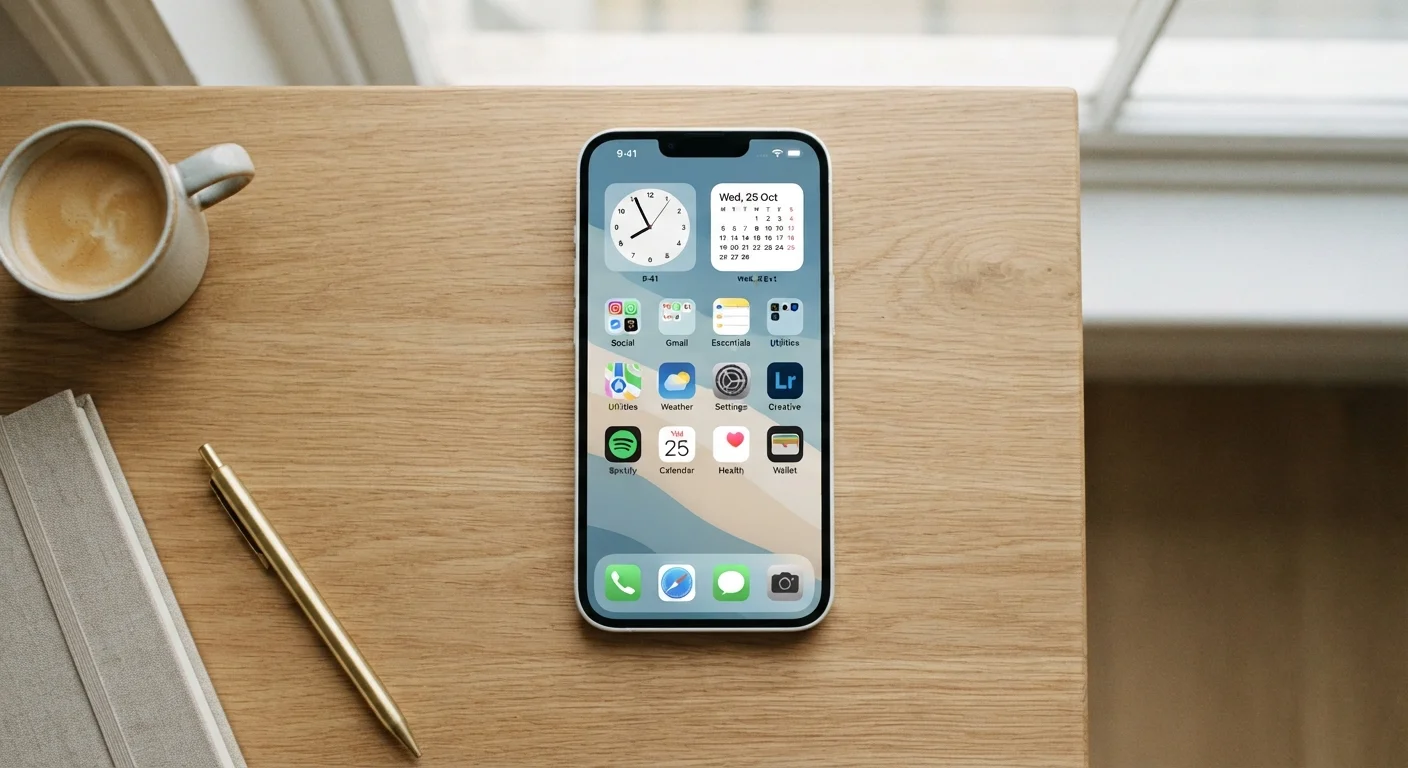
Photo: InsightsVilla.com | Quick Search. Right Info editorial
Key Takeaways
- Deleting unused apps regularly is the single most effective way to reduce phone clutter.
- Grouping apps into folders by category speeds up navigation without requiring constant searching.
- iPhone's App Library and Android's app drawer let you hide rarely used apps without deleting them.
- Keeping your first home screen to only your most-used apps reduces daily friction significantly.
- A brief monthly review prevents clutter from quietly building back up over time.
Why App Clutter Happens - and Why It Matters
Most people don't set out to fill their phone with dozens of forgotten apps. It happens gradually: a download for a single trip, a game a friend recommended, a coupon app used once. Over time, a phone's home screens become a cluttered archive of past intentions rather than a useful tool for today.
The consequences are more than cosmetic. Scrolling through a crowded home screen wastes time every single day. Unnecessary apps may run quietly in the background, affecting performance. And a disorganized phone can make it genuinely harder to find what you need - which defeats the purpose of having a smartphone in the first place.
The good news is that phone organization doesn't require technical skill or a major time investment. A few consistent habits, applied occasionally, are all it takes to keep things navigable. For a broader look at the essentials of using modern smartphones, the strategies here fit into a larger picture of confident, informed phone use.
Core Practices for a Cleaner, More Navigable Phone
The practices below are ordered roughly from most impactful to most refinement-focused. Starting with deletion and working toward maintenance gives you the quickest visible improvement.
Delete apps you haven't opened in the past 30 days.
Limit your primary home screen to your 10-15 most-used apps.
Group related apps into clearly named folders.
Use your phone's built-in app library or app drawer for seldom-used apps.
Schedule a brief monthly home screen audit.
Standardize your folder structure rather than improvising each time.
Android and iPhone Differ Here
Quick Wins You Can Do Right Now
If reading through the full practice list feels like a project, start here. These four actions take less than ten minutes combined and produce immediate results.
Once you've run through these, your phone will already look and feel more organized. From there, the full set of practices above help you build habits that keep it that way. It's also worth reviewing common app myths so you're working from accurate assumptions about how your phone actually behaves.
Keeping It Organized Over Time
Organization is easy to establish and easy to let slip. The biggest risk is that new apps land on your home screen by default, and without a system, they accumulate until you're back where you started.
A monthly five-minute audit - covered in the practices above - is the most reliable prevention. Beyond that, developing a reflex of asking "where does this belong?" when you install something new keeps the folder structure intact without requiring ongoing effort.
If you're thinking about switching phones or trading in an old device, a well-organized phone also makes data migration smoother. See the pre-trade-in checklist for what to do before handing your device over. And if you're also reviewing which apps have access to sensitive information on your phone, it's worth reading about letting apps access your contacts - clutter reduction is a good moment to audit permissions too.
“The apps on your phone should serve your intentions, not compete for your attention. Organization isn't about aesthetics - it's about making your tools work for you.”
— Jakob Nielsen, Usability researcher and co-founder of the Nielsen Norman Group
A well-organized phone isn't about perfection. It's about making your device genuinely serve you - so the apps you rely on are always one tap away, and everything else stays quietly out of the way.
The content on this site is for informational purposes only and is not a substitute for professional advice. Always consult a qualified professional for guidance specific to your situation.