
Before You Delete an App: What Happens to Your Data

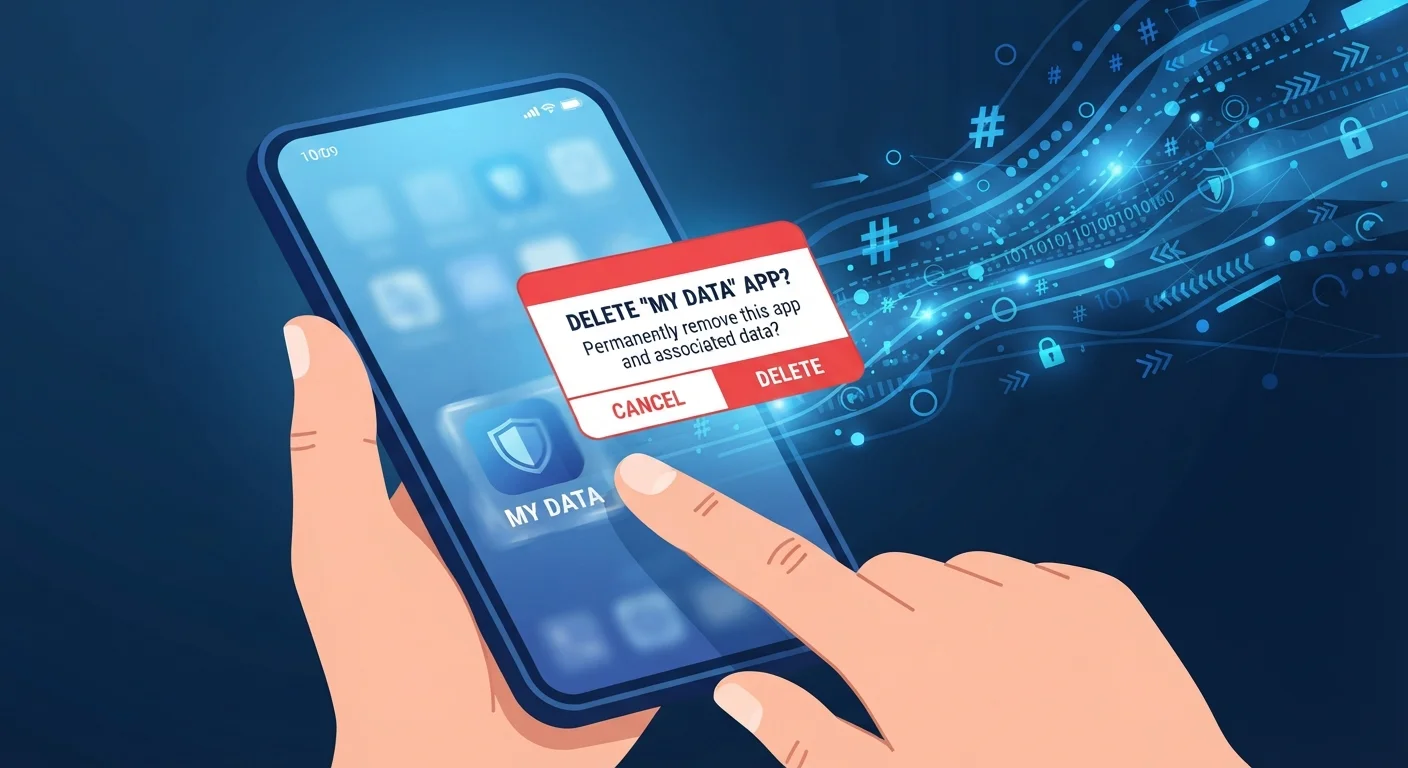
Photo: InsightsVilla.com | Quick Search. Right Info editorial
Key Takeaways
- Uninstalling an app deletes the software from your device but rarely removes your account or stored data from company servers.
- Many apps retain your personal data indefinitely unless you explicitly request account deletion.
- You should cancel subscriptions separately before deleting an app to avoid continued charges.
- Reviewing an app's privacy policy tells you how long your data is kept and how to request deletion.
- Data deletion requests are a legal right in several U.S. states and many other jurisdictions.
What Deleting an App Actually Does (and Doesn't Do)
Most people assume that removing an app from their phone wipes the slate clean. In reality, uninstalling only removes the application software and its locally stored files - things like cached images, offline data, and settings stored on your device. Your account, profile, purchase history, and any data the company has already uploaded to its servers remain completely intact.
Think of it like canceling a library card app on your phone. The app is gone, but the library still has your borrowing history on file. The same logic applies whether you're removing a social media platform, a fitness tracker, or a food delivery service.
This matters most when that data includes sensitive details: location history, health metrics, payment information, photos, or messages. Apps that sync data to the cloud - which is most of them - hold copies of your information regardless of what happens on your device. For a broader look at how apps behave in the background, see our piece on how apps quietly consume your phone's resources.
Subscriptions Don't Cancel Automatically
What to Do Before You Delete
A few proactive steps taken before you hit "delete" can protect your privacy, prevent financial surprises, and preserve any data you actually want to keep. Use this checklist to work through each area systematically.
Account & Subscription
Data Backup
Privacy & Data Removal
Post-Deletion Verification
If you're removing apps as part of a phone upgrade, our complete data transfer walkthrough covers how to move your digital life safely to a new device.
How to Request Data Deletion
Once you've decided you no longer want a service to hold your data, you'll need to take action beyond the app store. Most platforms provide an in-app or web-based account deletion option, but it isn't always easy to find.
Start by logging into the service's website and looking under Settings > Privacy or Account > Delete Account. If no self-serve option exists, look for a dedicated data deletion request form - major platforms in the U.S. are increasingly required to provide one under state privacy laws like the California Consumer Privacy Act (CCPA). You can also send a written request to the company's privacy or data protection contact, which is typically listed in their privacy policy.
Keep in mind that most platforms retain data for a grace period - commonly 30 to 90 days - after you submit a deletion request, in case you change your mind. After that window, deletion is typically permanent. Check the company's privacy policy for the exact timeline that applies to your account.
Account Deletion Is Not the Same as Data Deletion
It's also worth checking whether a particular app is truly necessary in its native form. Our explainer on native apps versus web apps can help you decide whether the browser version of a service better fits your privacy preferences going forward.
The content on this site is for informational purposes only and is not a substitute for professional advice. Always consult a qualified professional for guidance specific to your situation.