
Native Apps vs. Web Apps: The Difference Explained Simply

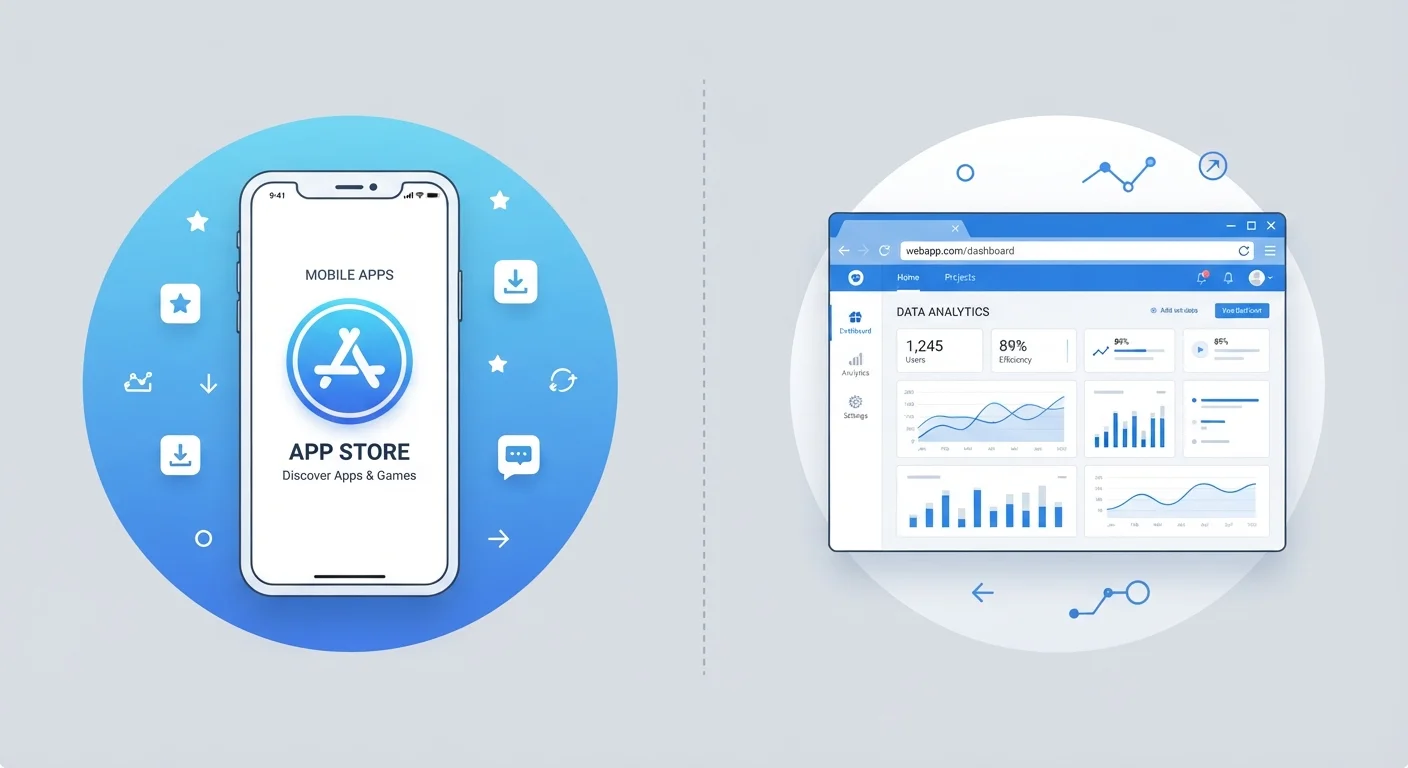
Photo: InsightsVilla.com | Quick Search. Right Info editorial
Key Takeaways
- Native apps are installed on your device; web apps run inside a browser without installation.
- Native apps generally offer faster performance and offline functionality.
- Web apps update automatically on the server side - no action needed from you.
- Native apps can access hardware features like your camera and GPS more deeply than web apps.
- Your choice between the two often comes down to convenience versus capability.
What Makes an App 'Native'?
A native app is software you download and install directly onto your device - through the Apple App Store, Google Play, or a similar platform. Once installed, it lives on your phone or tablet as its own program. Native apps are built specifically for a particular operating system (iOS or Android), which means they're designed to take full advantage of that platform's capabilities.
This tight integration is why native apps can access your camera, microphone, GPS, and contacts with relatively few restrictions. It's also why they tend to load quickly and feel fluid - they're optimized for the exact hardware they run on. For a closer look at how the two major mobile platforms differ, see our guide on Android vs. iOS.
The trade-off is that native apps take up storage space and require updates, usually managed through your app store. Those updates can carry bug fixes, new features, or important security patches - something worth paying attention to, as explained in our piece on what app updates actually change.
What Is a Web App?
A web app is a program that runs inside your web browser - Chrome, Safari, Firefox, or any other. You don't download it. You simply navigate to a URL, and the app loads from a remote server. Gmail, Google Docs, and most online banking dashboards are common examples.
Because web apps live on servers rather than your device, they update automatically. The moment a developer pushes a change, every user sees it the next time they visit. There's no prompt asking you to download version 4.2.1 - it just happens in the background.
Internet Connection: The Key Web App Dependency
Web apps do require an active internet connection to function in most cases, since their code and data are fetched from a server. Some modern web apps use a technology called service workers to cache limited content for offline use, but this capability is narrower than what a native app typically offers. If you want to understand more about where your data lives during this process, our article on cloud vs. local storage is a useful companion read.
Head-to-Head: Key Differences at a Glance
The distinction between native and web apps affects everyday use more than most people realize - from how fast something loads to whether it works on a plane without Wi-Fi. The comparison below covers the dimensions that matter most to typical users.
| Criterion | Native Apps | Web Apps |
|---|---|---|
| Installation required | Yes - downloaded to device | No - runs in browser |
| Storage usage | Uses device storage | Minimal to none |
| Offline access | Generally supported | Limited or not available |
| Performance | Faster, hardware-optimized | Depends on browser and connection |
| Device hardware access | Camera, GPS, sensors, etc. | Restricted or partial |
| Updates | User must install updates | Automatic via server |
| Cross-device access | Platform-specific | Any device with a browser |
Neither format is universally superior. The right choice depends on what you're trying to do and what constraints - storage, connectivity, or device compatibility - you're working within.
Why This Distinction Still Matters
Understanding the difference between native and web apps helps you make smarter choices about the tools you rely on. If an app requires offline access - say, a navigation tool or a workout tracker - a native app is almost always the more capable option. If you need to quickly access a service from a borrowed computer or an unfamiliar device, a web app lets you do that without installing anything.
There's also a middle-ground worth knowing about: progressive web apps (PWAs). These are web apps that can be added to your home screen and offer some offline functionality, blending features from both categories. They're not as deeply integrated as true native apps, but they close the gap in meaningful ways.
For a broader sense of how apps are structured and what terms like API, cache, and sandbox actually mean, the App Glossary is a useful reference. And if you've absorbed some assumptions about how apps work over the years, it's worth checking them against our article on common app myths.
~55%
Global web traffic from mobile devices
According to Statista data, mobile devices (excluding tablets) consistently account for roughly half or more of global website traffic, underscoring how often people access web-based tools on phones.
2x
Typical native app performance advantage
Industry benchmarks from web performance research frequently show native apps rendering UI interactions significantly faster than equivalent browser-based experiences on the same hardware.
The content on this site is for informational purposes only and is not a substitute for professional advice. Always consult a qualified professional for guidance specific to your situation.