
Android and iOS: Understanding the Real Differences Between the Two Mobile Worlds

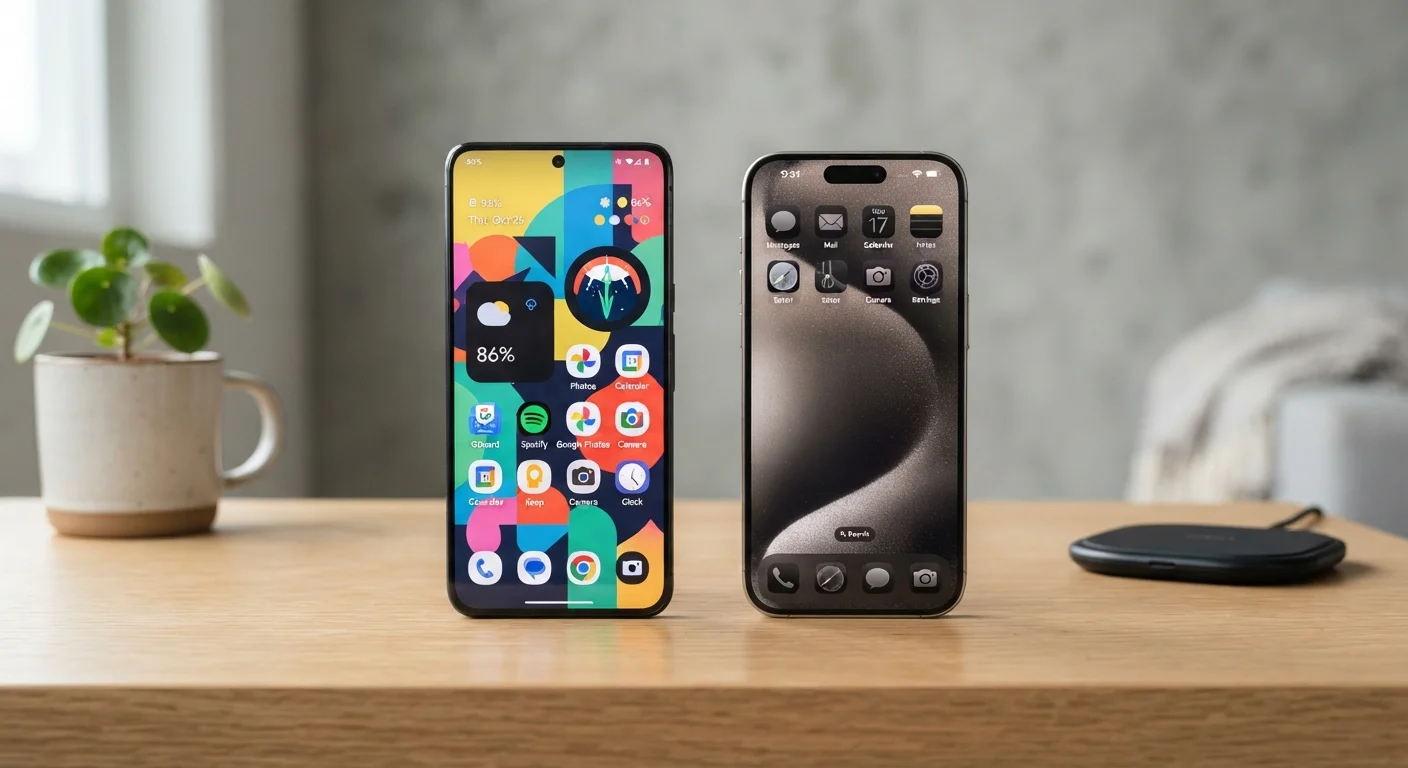
Photo: InsightsVilla.com | Quick Search. Right Info editorial
Key Takeaways
- Android offers more hardware choices and deeper customization; iOS prioritizes consistency and tight ecosystem integration.
- Both platforms receive strong security updates, but they handle app permissions and data collection differently.
- App availability is nearly identical, though exclusive titles occasionally appear on one platform first.
- Switching platforms means leaving behind purchased apps, some data, and ecosystem habits - worth planning carefully.
- Neither platform is universally superior; the right choice depends on your specific habits and priorities.
How Each Platform Is Built - and Why It Matters
Android is an open-source operating system developed by Google and licensed to many hardware manufacturers. iOS is developed exclusively by Apple and runs only on Apple-made iPhones. That foundational difference explains nearly every practical distinction between the two platforms.
Because Android is used by many device makers, it runs on phones ranging from budget entry-level handsets to flagship devices with cutting-edge specs. iOS, by contrast, exists on one hardware line, which means Apple controls every layer - chip, software, and device design - from end to end. For a deeper look at what all that hardware actually does, see our guide to how smartphones actually work.
This structural difference also affects software updates. Apple delivers iOS updates to all supported devices on the same day. Android updates depend on the device manufacturer and, in some cases, the mobile carrier - meaning some Android users wait weeks or months for the same update, and older devices may stop receiving updates sooner.
| Criterion | Android | iOS |
|---|---|---|
| Hardware variety | Many manufacturers, wide price range | Apple devices only |
| Software updates | Varies by manufacturer and carrier | Simultaneous rollout to all supported devices |
| Customization | Deep - launchers, defaults, file access | Moderate - expanding but more restricted |
| App sideloading | Permitted by default | Historically blocked; regionally evolving |
| Ecosystem integration | Strong with Google services | Strong with Apple devices and services |
| Cross-app tracking controls | Evolving; varies by device and version | Explicit opt-in via ATT framework |
| Default app flexibility | Full third-party defaults supported | Limited; expanded in recent versions |
Customization, Apps, and Everyday Use
Android gives users more control over their phone's behavior. You can set third-party apps as defaults for messaging, email, or even the browser. Home screen widgets, custom launchers, and direct file system access are standard features. iOS has expanded its customization options over recent versions - including home screen widgets and some default app settings - but still operates within a more controlled environment.
App availability on both platforms is broadly similar. Most major apps launch on both, though smaller or regional apps occasionally appear on one platform before the other. It is worth understanding how apps are built and distributed; the App Glossary explains terms like sideloading and sandboxing that come up when comparing the two ecosystems.
Android permits sideloading - installing apps from sources outside the official app store - which gives technically comfortable users more flexibility. iOS has historically blocked this. Regulatory changes in some regions are beginning to shift this, but the platforms still differ meaningfully on how open they are to third-party software sources.
~72%
Global smartphone OS market share held by Android
According to Statcounter's global data, Android consistently holds the majority of worldwide smartphone market share, reflecting its broad availability across price points and manufacturers.
~57%
US smartphone market share held by iOS
In the United States specifically, iOS holds a majority share, reflecting different purchasing patterns and carrier dynamics compared to global averages.
2+ million
Apps available on each major platform store
Both the Google Play Store and Apple App Store host over two million apps, making app availability broadly comparable for most everyday users.
Privacy, Security, and Data Practices
Both Android and iOS take security seriously, but their approaches differ. Apple's App Tracking Transparency (ATT) framework requires apps to ask permission before tracking your activity across other apps and websites - a concrete, user-facing control. Google has announced its own plans to limit cross-app tracking on Android, though implementation details continue to evolve.
Android's open nature means the platform spans a wider range of manufacturers, some of whom add their own software layers (called skins or overlays) that may include additional data collection. A Pixel phone running stock Android behaves differently from a phone running a heavily customized version of Android from another manufacturer.
Common smartphone myths - like the idea that one platform is completely immune to malware - don't hold up under scrutiny. For a plain-language look at what's actually true about app behavior on both platforms, see App Myths That Most Smartphone Users Still Believe.
Neither Platform Is Invulnerable to Threats
Switching Platforms: What to Expect
Moving from Android to iOS or the reverse is straightforward in principle but involves real trade-offs. Apps purchased on one platform's store do not transfer to the other. Some apps offer cross-platform accounts that preserve your data; others do not. iMessage conversations, for example, live inside Apple's ecosystem and require a transition step when moving to Android to avoid missed texts.
Photos, contacts, and calendar data generally migrate well using built-in migration tools both platforms now provide. The bigger adjustment is ecosystem habit - if you rely on iCloud, Apple Watch, or AirDrop, switching away from iOS means finding alternatives for each of those workflows. Similarly, heavy users of Google Workspace tools tend to find Android's native integration more seamless. For questions about where your files and photos actually live during a switch, Cloud Storage vs. Local Storage offers useful context.
The content on this site is for informational purposes only and is not a substitute for professional advice. Always consult a qualified professional for guidance specific to your situation.