
Understanding App Updates: What Changes and What Stays the Same

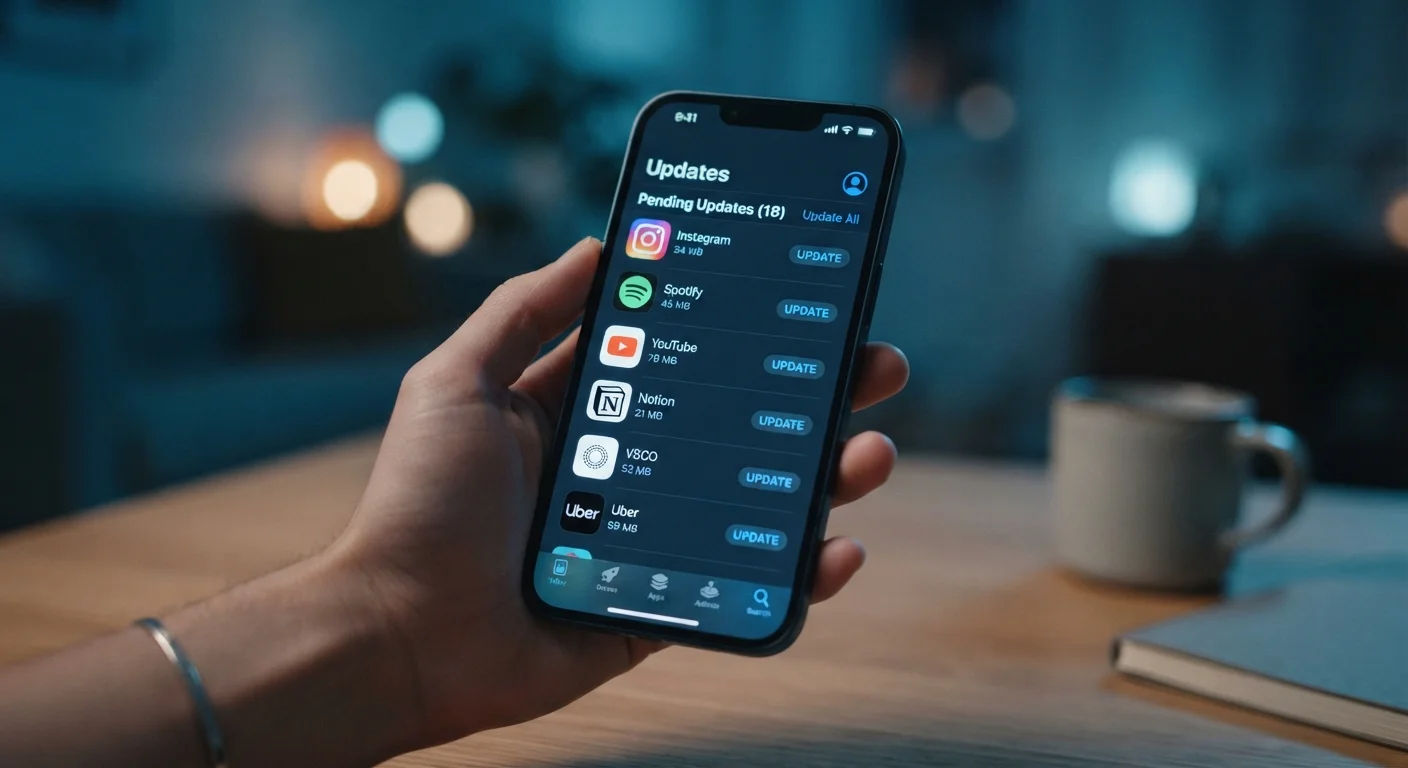
Photo: InsightsVilla.com | Quick Search. Right Info editorial
Key Takeaways
- App updates can contain security patches, bug fixes, performance tweaks, or new features - often all at once.
- Security-related updates carry the most urgency and should be installed promptly.
- "Bug fixes and performance improvements" in release notes usually means real, measurable changes under the hood.
- Not every update changes what you see - many changes happen entirely in the background.
- Automatic updates handle most routine maintenance so you don't have to track every release.
The Four Core Types of Changes in Any App Update
When a developer releases a new version of an app, the changes inside generally fall into one of four categories - and understanding which type you're dealing with helps you decide how urgently to act.
- Security patches: These fix vulnerabilities that could allow unauthorized access to your data or device. They're the highest-priority updates and the primary reason security experts recommend not delaying installs.
- Bug fixes: A bug is an error in the app's code that causes unintended behavior - crashes, incorrect displays, failed actions. Bug fixes correct these specific errors.
- Performance improvements: These optimize how the app uses your device's resources - reducing battery drain, cutting load times, or lowering memory usage without changing visible features.
- New features: Additions to what the app can do, from redesigned screens to entirely new tools. These are the changes most users notice immediately.
A single update often contains all four types simultaneously. That's why update notes - even the frustratingly vague ones - represent genuine work, not housekeeping theater.
Automatic Updates: A Sensible Default for Most Users
What Stays the Same After an Update
A common concern is that updating will somehow disrupt a workflow or erase saved content. In practice, most of what you depend on remains intact.
Your account credentials, saved preferences, and stored content (photos in a photo app, playlists in a music app, documents in a notes app) are held in a data layer that is separate from the app's program files. Updating replaces the program, not the data.
The app's core function also rarely changes between minor versions. A navigation app still navigates; a banking app still shows your balance. Dramatic shifts in behavior are reserved for major version releases, which developers typically announce in advance.
One thing worth knowing: app permissions occasionally need re-confirmation after large updates, particularly if a new feature requires access to a resource - like your camera or location - that the previous version didn't use.
Before a Major Update, Back Up Your Data
How to Read Release Notes Like a Pro
Release notes are the brief descriptions developers publish alongside each update. They range from detailed changelogs to the infamous "bug fixes and performance improvements" - which tells you almost nothing specific but is nonetheless accurate.
A few conventions worth knowing:
- Version numbers signal scope: A jump from 5.3.1 to 5.3.2 is typically a small patch. A jump from 5.3 to 5.4 suggests more meaningful changes. A jump from 5.x to 6.0 signals a major overhaul.
- "Critical" or "important" in notes: When developers flag an update this way, it almost always involves a security or stability issue. Treat these as high priority.
- Vague language is common but not deceptive: Developers often can't disclose exactly what security vulnerability was patched - doing so could help bad actors exploit unpatched devices before users update.
For a broader look at how the underlying platform affects your apps, see our explainer on how smartphone operating system updates work.
~40%
Of app updates contain security-related fixes
Research from cybersecurity analysts has consistently found that a significant proportion of routine app updates include at least one security-related code change, even when not explicitly labeled as such.
72 hrs
Typical patch deployment window after vulnerability disclosure
Major app developers often aim to push a patch within 72 hours of confirming an actively exploited vulnerability, though timelines vary significantly by team size and platform.
When Timing Actually Matters
For the majority of updates, installing within a few days of release is perfectly fine. But timing becomes genuinely important in two situations.
First, actively exploited vulnerabilities: Security researchers and companies sometimes disclose that a flaw is being used in real attacks. When a developer releases a patch in response, delay increases your exposure window. Most major app stores surface these as urgent notifications.
Second, app compatibility with OS updates: When your phone's operating system receives a major update, some apps may behave unexpectedly until the app developer releases a compatible version. Keeping apps current reduces this friction. Conversely, occasionally an app update is released just before a new OS version and introduces its own bugs - waiting a day or two after a large app update drops (especially a version 1.0 change) can help you avoid early-adopter instability.
It's also worth understanding that updates interact with the broader app ecosystem. Whether you're using a native app or a web-based app determines how and when updates reach you at all - web apps update on the server side without any action on your part.
Frequently Asked Questions
The content on this site is for informational purposes only and is not a substitute for professional advice. Always consult a qualified professional for guidance specific to your situation.