
Two-Factor Authentication vs. Passkeys: Which Is Stronger?

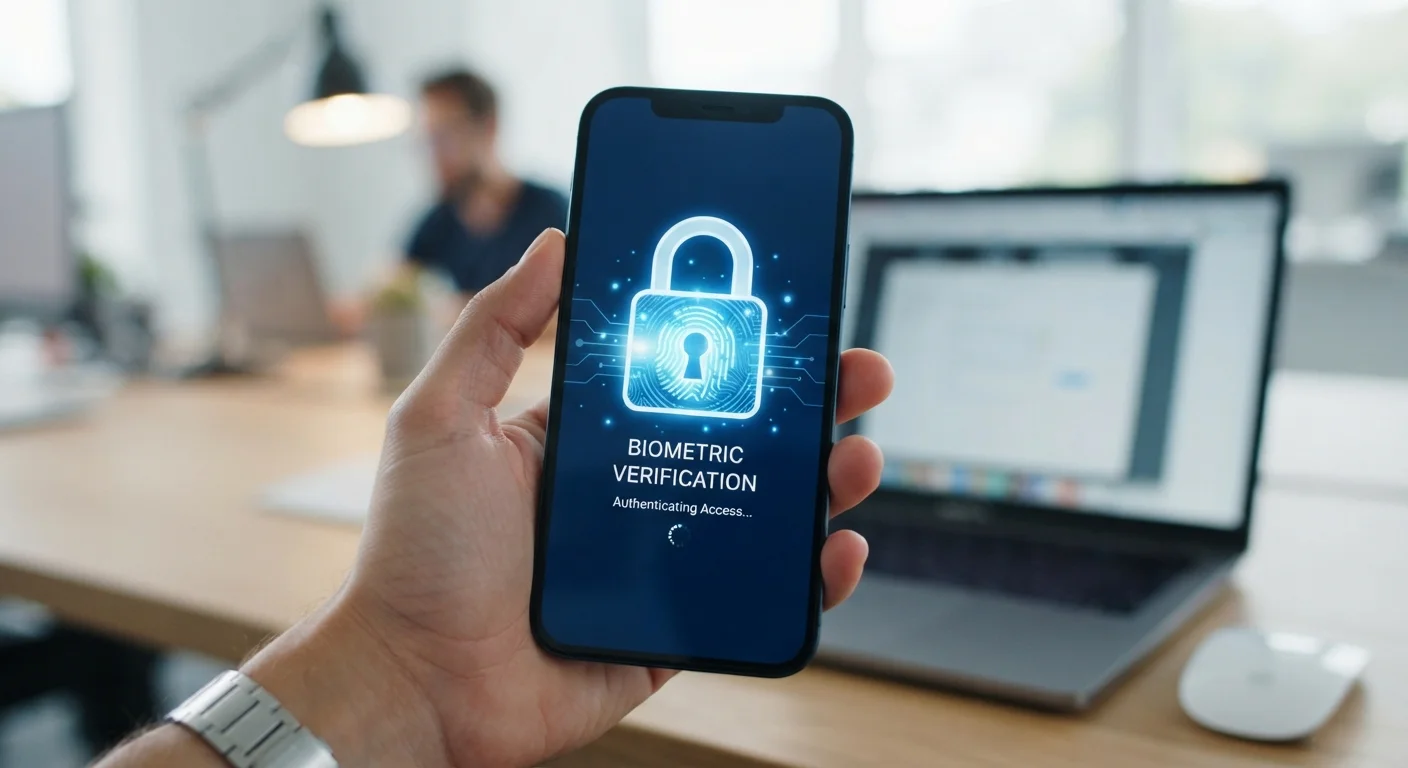
Photo: InsightsVilla.com | Quick Search. Right Info editorial
Key Takeaways
- Two-factor authentication adds a second verification step but still relies on a password as the first factor.
- Passkeys replace passwords entirely using cryptographic keys stored on your device.
- Passkeys are more resistant to phishing attacks than most common forms of 2FA.
- SMS-based 2FA is the weakest form; authenticator apps and hardware keys are significantly stronger.
- Passkey support is growing but not yet universal across all apps and platforms.
- Using either method is far more secure than relying on a password alone.
How Each Method Actually Works
Understanding the difference between two-factor authentication (2FA) and passkeys starts with understanding what problem each is solving.
Two-factor authentication adds a second verification step on top of your password. After entering your password, you confirm your identity through a second channel - typically a six-digit code sent via SMS, generated by an authenticator app, or triggered by a hardware security key. The idea is that even if someone steals your password, they still can't get in without that second factor.
Passkeys take a fundamentally different approach: they eliminate the password entirely. When you create a passkey, your device generates a pair of cryptographic keys - one stays on your device (the private key), and one is shared with the website (the public key). When you log in, your device proves your identity by solving a cryptographic challenge using the private key, unlocked by your fingerprint, face scan, or PIN. There's no password to steal, guess, or forget.
For a deeper look at enabling 2FA across your everyday apps, see our step-by-step 2FA setup guide.
| Criterion | Two-Factor Authentication | Passkeys |
|---|---|---|
| Requires a password | Yes | No |
| Phishing resistance | Moderate (varies by type) | High (cryptographically bound) |
| Ease of setup | Straightforward on most apps | Simple on supported platforms |
| App/service compatibility | Very broad | Growing but limited |
| SIM-swap vulnerability | Yes (SMS-based 2FA only) | No |
| Device dependency | Low to moderate | Higher (tied to device) |
| Login speed | Slower (extra step required) | Faster (biometric only) |
Where Each Method Falls Short
Neither technology is without weaknesses, and knowing the gaps helps you make smarter choices.
2FA vulnerabilities depend heavily on which type you use. SMS-based codes are the most common but also the most vulnerable - attackers can intercept them through SIM-swapping, where they trick a mobile carrier into transferring your phone number to a device they control. Authenticator apps are more secure, and hardware keys are the strongest form of 2FA, but all 2FA methods still rely on your password as the first factor. If that password is weak or reused, your overall protection is weakened.
Phishing is the other major risk. A convincing fake website can prompt you to enter both your password and your 2FA code in real time, giving an attacker immediate access before the code expires.
Passkeys address the phishing problem directly. Because a passkey is cryptographically tied to a specific website's verified domain, it simply won't work on a fake site - your device won't find a matching key. However, passkeys have their own friction points. If you lose your device without a backup in place, account recovery can be complicated. And while adoption is accelerating among major platforms, many smaller services don't yet support passkeys.
80%+
Of breaches involve stolen or weak passwords
Verizon's Data Breach Investigations Report has consistently found that the majority of hacking-related breaches exploit credential weaknesses.
0
Phishing attacks passkeys are vulnerable to
Security researchers note that passkeys' domain-binding design means a passkey created for one site cannot be used on a spoofed or different site.
For a broader look at protecting your credentials, our guide on how password managers work explains how they complement both 2FA and passkeys.
Which Should You Use?
The honest answer is: use passkeys wherever they're available, and use 2FA everywhere else.
Passkeys represent a meaningful leap forward in account security, but they aren't yet universally supported. In the meantime, 2FA - particularly via an authenticator app rather than SMS - is a practical and effective protection layer for the vast majority of your accounts.
The most important thing is not to leave accounts protected by a password alone. Whether you choose 2FA or passkeys depends on what the service supports and what device you're using, but either option dramatically reduces your exposure compared to a password by itself.
No Single Method Is Foolproof
If you're weighing whether to add a password manager to your security setup alongside these methods, our balanced look at password manager pros and cons walks through the real trade-offs.
The content on this site is for informational purposes only and is not a substitute for professional advice. Always consult a qualified professional for guidance specific to your situation.