
What 'End-to-End Encryption' Means in Messaging Apps

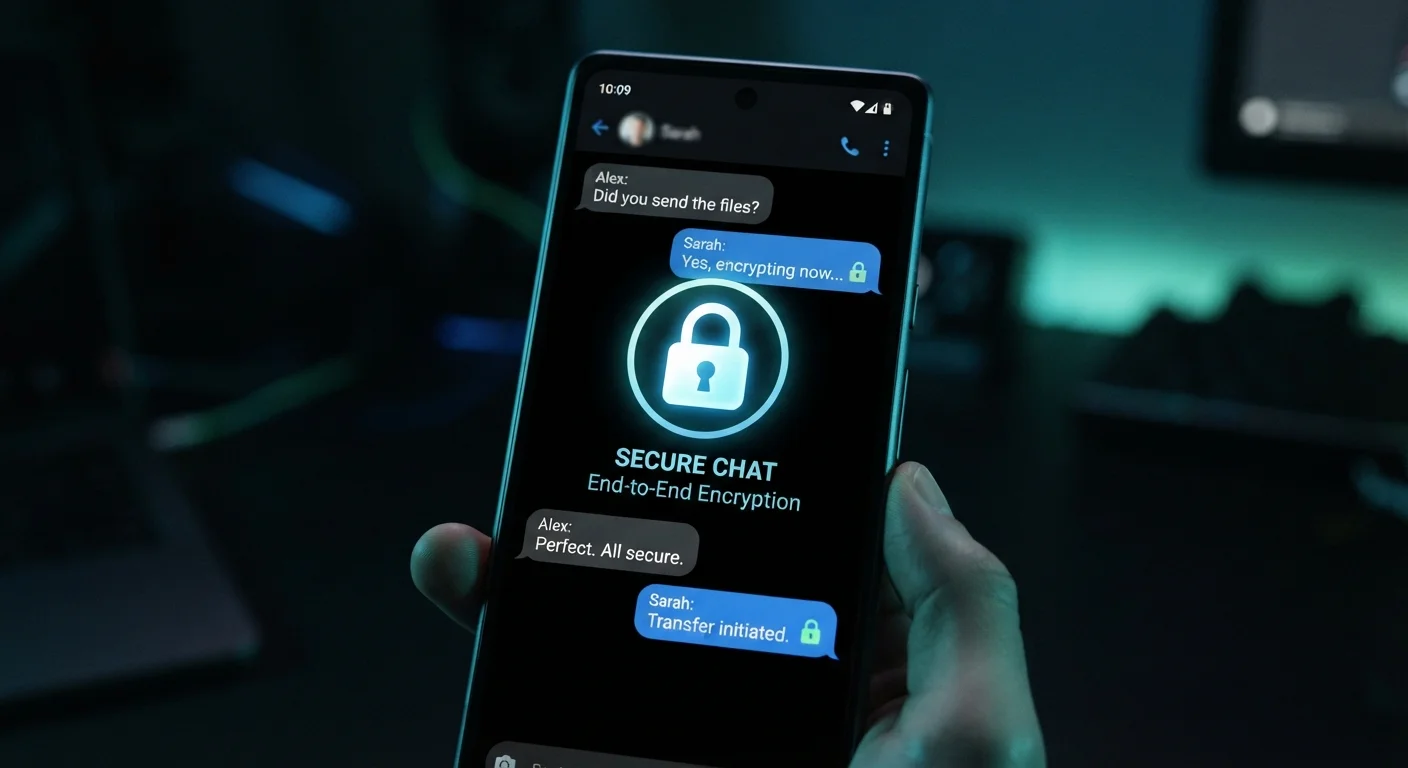
Photo: InsightsVilla.com | Quick Search. Right Info editorial
Key Takeaways
- End-to-end encryption means only you and your recipient can read your messages - not the app company.
- E2EE protects messages while they travel across the internet, but not necessarily after they arrive.
- Screenshots, device access, and cloud backups can still expose encrypted messages.
- Not all messaging apps use E2EE by default - some require you to enable it manually.
- Encryption is one layer of security, not a complete privacy solution on its own.
The Lock-and-Key Analogy
Imagine writing a letter, sealing it in a combination lock box, and sending it through the postal system. Even if a mail carrier, a warehouse worker, or a customs agent handles the box, none of them can read what's inside without the combination - which only your recipient has. End-to-end encryption works the same way for digital messages.
When you send a message through an E2EE-protected app, your device encrypts it using a unique key before it leaves. The message travels across networks in an unreadable, scrambled form. Only the recipient's device holds the matching key to unscramble it. Even the servers owned by the messaging company relay the box without ever knowing its contents.
This is meaningfully different from standard encryption, which protects data between your device and the app's server - but allows the company's systems to read messages on arrival. E2EE removes that middle-man access entirely.
“Encryption is one of the most important tools we have for maintaining privacy and security in the digital age. It protects our most sensitive information - our financial details, our personal communications, our private thoughts.”
— Tim Cook, CEO, Apple Inc., in public statements on digital privacy
What E2EE Protects - and What It Doesn't
End-to-end encryption is genuinely powerful, but it has clear limits that are worth understanding.
What it does protect: The content of your messages while they travel between devices. This includes text, photos, videos, and voice notes sent through an E2EE channel. If intercepted mid-transit - say, by someone monitoring network traffic - the data is meaningless without the decryption key.
What it does not protect:
- Your device screen. Once a message is decrypted and displayed, anyone looking at your phone can read it.
- Screenshots and forwarding. The recipient can capture and share your messages regardless of encryption.
- Cloud backups. Many apps offer optional cloud backup of message history. These backups may not be encrypted with the same E2EE standard, potentially exposing them to the cloud provider.
- Metadata. App companies can often still see who you messaged, when, and how frequently - even if they can't see what was said.
For a broader look at how your data moves and who can access it, see our guide to internet privacy.
Check Your Backup Settings
How to Know If Your App Uses It
Not every messaging app applies E2EE to every conversation. Here's a practical approach to finding out:
- Check the app's official privacy or security documentation. Reputable apps clearly state whether E2EE is used and whether it applies by default or only in specific modes.
- Look for in-app indicators. Some apps display a padlock icon or a label like "encrypted" within a conversation to confirm E2EE is active.
- Distinguish default vs. opt-in. Certain platforms apply E2EE only when you start a designated private conversation mode - standard chats on those apps may not be encrypted end-to-end.
2 billion+
Users on a leading E2EE messaging platform
According to publicly reported figures, one major E2EE messaging service has surpassed two billion active users globally, reflecting widespread adoption of encrypted communication.
~50%
Americans concerned about online privacy
Pew Research Center surveys have consistently found that roughly half or more of American adults report being concerned about how their personal data is used online.
Understanding encryption is one piece of a larger mobile security picture. Our article Mobile Security From the Ground Up covers lock screens, phishing texts, and other fundamentals every smartphone owner should know.
Building a Broader Security Habit
E2EE is one important layer of protection, but privacy and security work best in combination. A strongly encrypted message app on an unlocked phone with no screen passcode offers limited real-world protection.
Consider pairing encrypted messaging with other good practices: use a strong device lock screen, be selective about app permissions you grant, and enable two-factor authentication on your accounts to reduce the risk of unauthorized access.
End-to-end encryption represents a meaningful default for private communication - not because most people have something to hide, but because private conversations are a reasonable expectation. Knowing what the technology actually does, and what falls outside its scope, puts you in a far better position to make informed choices about how you communicate digitally.
Metadata Is Not Message Content
Frequently Asked Questions
The content on this site is for informational purposes only and is not a substitute for professional advice. Always consult a qualified professional for guidance specific to your situation.