
Account Recovery Mistakes That Leave You Locked Out for Good

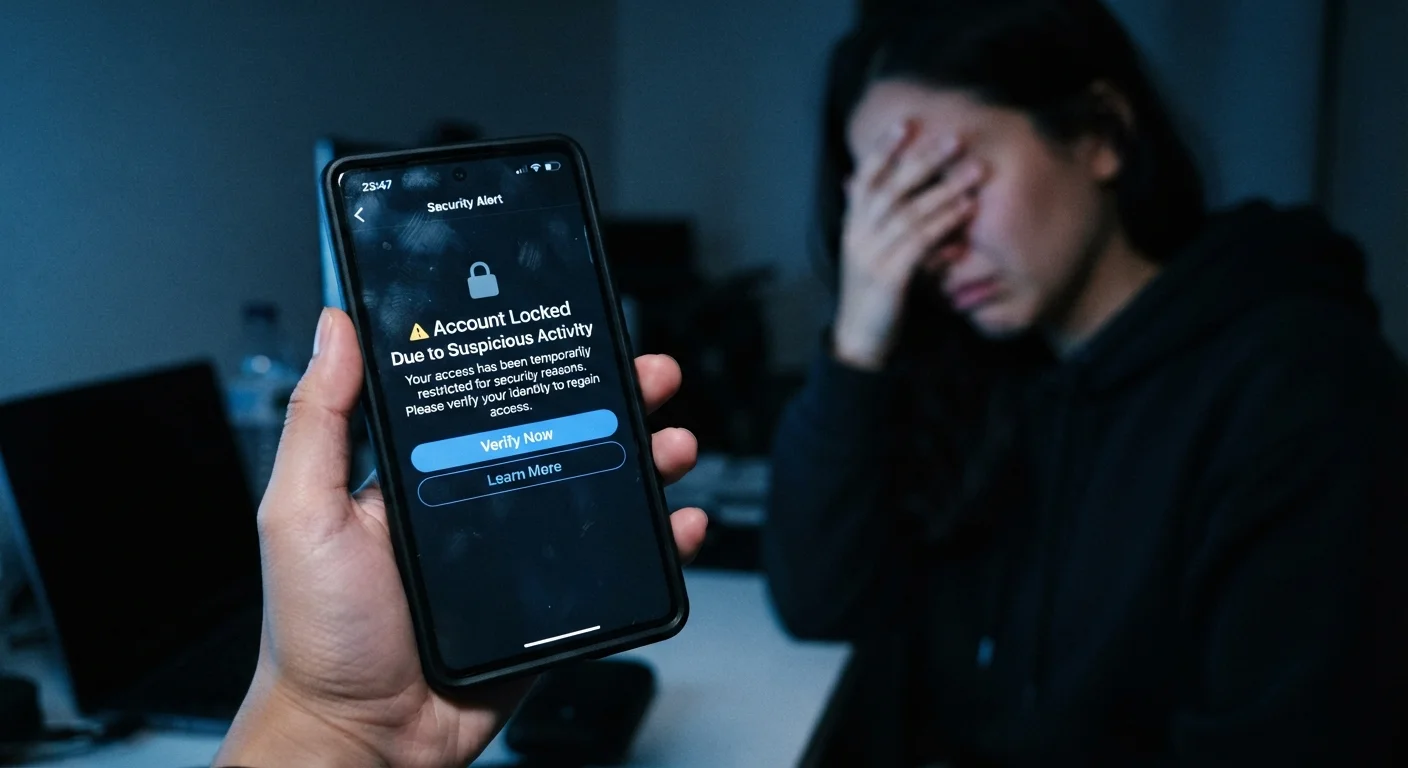
Photo: InsightsVilla.com | Quick Search. Right Info editorial
Key Takeaways
- Outdated recovery phone numbers and emails are one of the most common reasons people lose account access permanently.
- Security questions with publicly available answers offer almost no real protection and can block legitimate recovery attempts.
- Backup codes for two-factor authentication should be saved securely - losing them can make an account unrecoverable.
- Recovery options should be reviewed and updated whenever you change devices, phone numbers, or email providers.
Why Account Recovery Fails More Often Than People Expect
Most people assume they can recover a locked account by clicking "Forgot password" and following a few prompts. In practice, that process depends entirely on recovery information being accurate, accessible, and current - conditions that are surprisingly easy to break over time.
Platforms verify your identity through the details you provided at signup: a phone number, a backup email, trusted devices, or answers to security questions. If any of those channels are broken or compromised, the automated system has no reliable way to confirm you are who you say you are. Human support teams, when they exist, face the same verification problem and often cannot override the system.
Taking a few minutes to audit your recovery settings now is far simpler than navigating a lockout later. For a broader review of your digital security posture, see our online privacy audit checklist.
~35%
Adults who have lost permanent account access
A 2022 NordPass survey found roughly one in three people had lost access to an online account they were unable to recover.
81%
Data breaches linked to weak or reused passwords
According to the Verizon Data Breach Investigations Report, the vast majority of hacking-related breaches exploit weak or compromised credentials.
The Mistakes That Get People Locked Out
Permanent Lockout Is a Real Risk
Leaving recovery contact information set to a phone number or email you no longer use.
Choosing security questions with answers that are easy to find or guess - like a mother's maiden name or a hometown.
Losing or never saving backup codes after enabling two-factor authentication.
Linking two-factor authentication only to a device that can be lost, broken, or replaced.
Using the same email as both the primary account login and the only recovery contact.
Building Recovery Options That Actually Work
Effective account recovery isn't a one-time setup task - it's an ongoing habit. Every time you change your phone number, switch email providers, upgrade your primary device, or move, some recovery pathway potentially breaks. Building a simple checklist into your routine prevents silent failures from accumulating.
Deleting Old Email Accounts Creates Danger
Start by logging into your most critical accounts - email, banking, primary social media - and navigating to the security or account settings section. Verify every recovery contact is still active and under your control. If a platform offers multiple recovery methods, enable more than one. Redundancy is the point.
Reviewing your social media privacy settings is also worthwhile, since those profiles can inadvertently expose the answers to security questions you've used elsewhere. Our guide to locking down social media privacy settings walks through the controls most users overlook.
Account recovery and account security are inseparable. Weak recovery options leave a back door open for attackers, while overly narrow options lock out the legitimate owner. The goal is verification pathways that you control and that bad actors cannot easily access or spoof.
The content on this site is for informational purposes only and is not a substitute for professional advice. Always consult a qualified professional for guidance specific to your situation.