
How Subscription Apps Keep Charging After You Think You've Cancelled

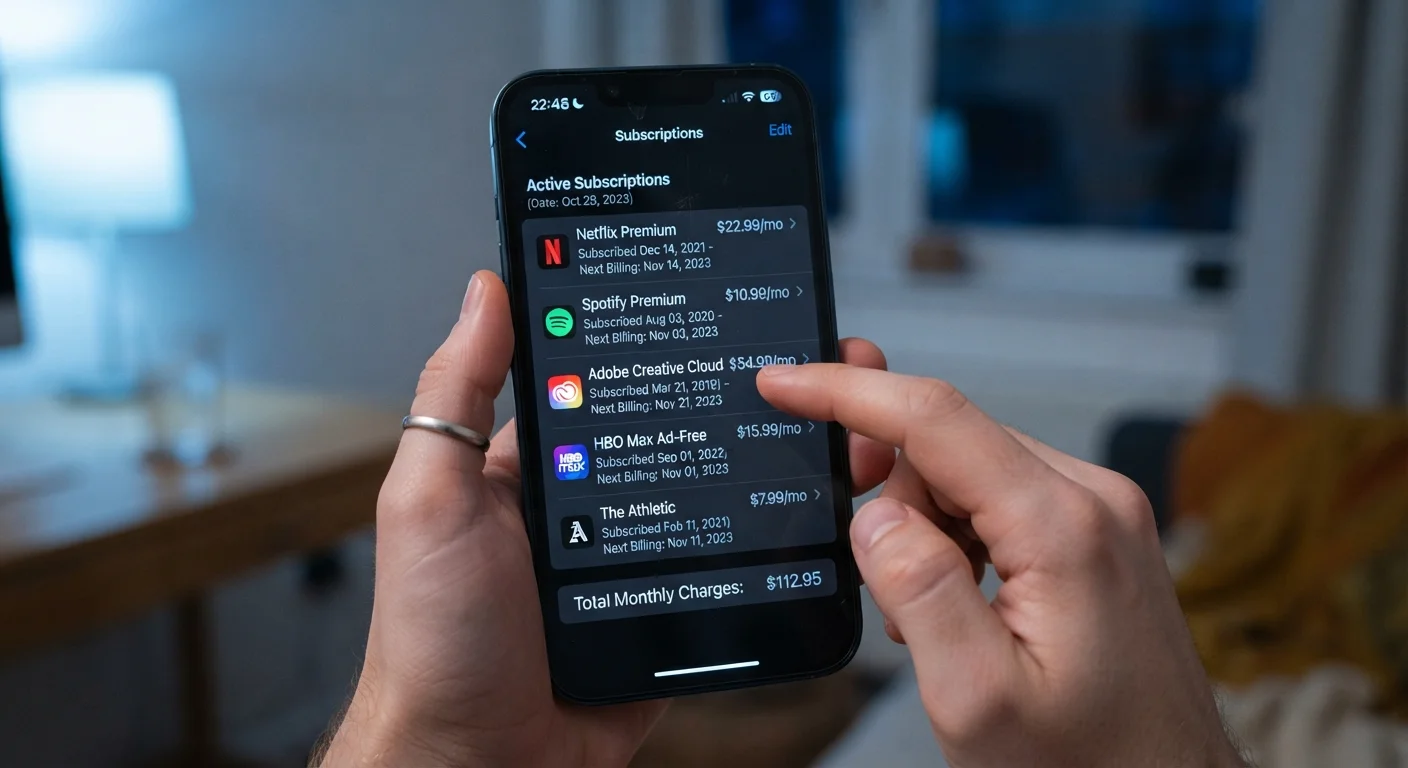
Photo: InsightsVilla.com | Quick Search. Right Info editorial
Key Takeaways
- Deleting an app does not cancel its subscription - you must cancel through your app store account.
- Cancellation must happen in the platform that processed the original payment, not inside the app itself.
- Always look for a written confirmation email or an updated billing status to verify a cancellation succeeded.
- Free trials auto-convert to paid plans unless cancelled before the trial end date.
- Reviewing your bank or card statements monthly is one of the most reliable ways to catch unwanted charges.
Why Subscription Charges Don't Stop When You Expect Them To
App subscriptions operate on a billing layer that is entirely separate from the app itself. When you subscribe through the Apple App Store or Google Play, the payment agreement is made with that platform - not stored inside the app on your phone. This is why so many people continue seeing charges months after they believed they had moved on from a service.
The structure is intentional and not inherently deceptive, but it creates a gap between what feels like cancellation and what actually is cancellation. Understanding that gap is the first step to closing it. See our guide on what happens to your data when you delete an app - the same principle applies to your billing relationship.
Deleting the App Is Not Enough
The Most Common Mistakes That Lead to Unexpected Charges
Most people who discover surprise subscription charges made at least one of a handful of very predictable errors. None of them reflect carelessness - they reflect how confusing app billing systems can be. Here are the mistakes to watch for and how to avoid every one of them.
Assuming deleting the app cancels the subscription.
Cancelling inside the app instead of through the app store.
Not checking for a cancellation confirmation.
Forgetting that free trials automatically convert to paid plans.
Ignoring bank or card statements each month.
It's also worth noting that apps managing their own billing - outside of the major app stores - have their own cancellation processes, often buried in account settings on a website rather than on your phone. Always check the original signup confirmation email to identify exactly where your payment is processed. These kinds of hidden recurring charges share some DNA with common bank fee myths - in both cases, charges persist because the system isn't transparent about where the control actually sits.
How to Audit Your Active Subscriptions Right Now
Taking 10 minutes to review your subscriptions today can prevent months of unnoticed charges. Here's where to look on the two dominant mobile platforms:
- iPhone / iPad (Apple): Open the Settings app, tap your name at the top, then tap Subscriptions. Every active and recently expired subscription tied to your Apple ID appears here.
- Android (Google Play): Open the Google Play Store app, tap your profile icon in the top right, select Payments & subscriptions, then Subscriptions.
For subscriptions billed directly by a company (outside the app stores), check your email for the original signup confirmation, then visit that company's website to manage or cancel your account. Once you have a full picture, compare the list against your most recent card statement. Any recurring charge not on your subscriptions list deserves a closer look. Common app myths - like the idea that unused apps don't affect your account - can also lead to subscriptions being overlooked longer than they should be.
~$219
Average annual spend on unused subscriptions
Consumer research from C+R Research found that, on average, Americans underestimate their monthly subscription spending by a significant margin, with many paying for services they had forgotten about.
42%
Users who forgot about at least one active subscription
A survey by West Monroe found that a large share of consumers were unable to accurately recall all of the subscription services they were actively paying for.
The content on this site is for informational purposes only and is not a substitute for professional advice. Always consult a qualified professional for guidance specific to your situation.