
Starting from Zero: Your First Steps into Online Communities

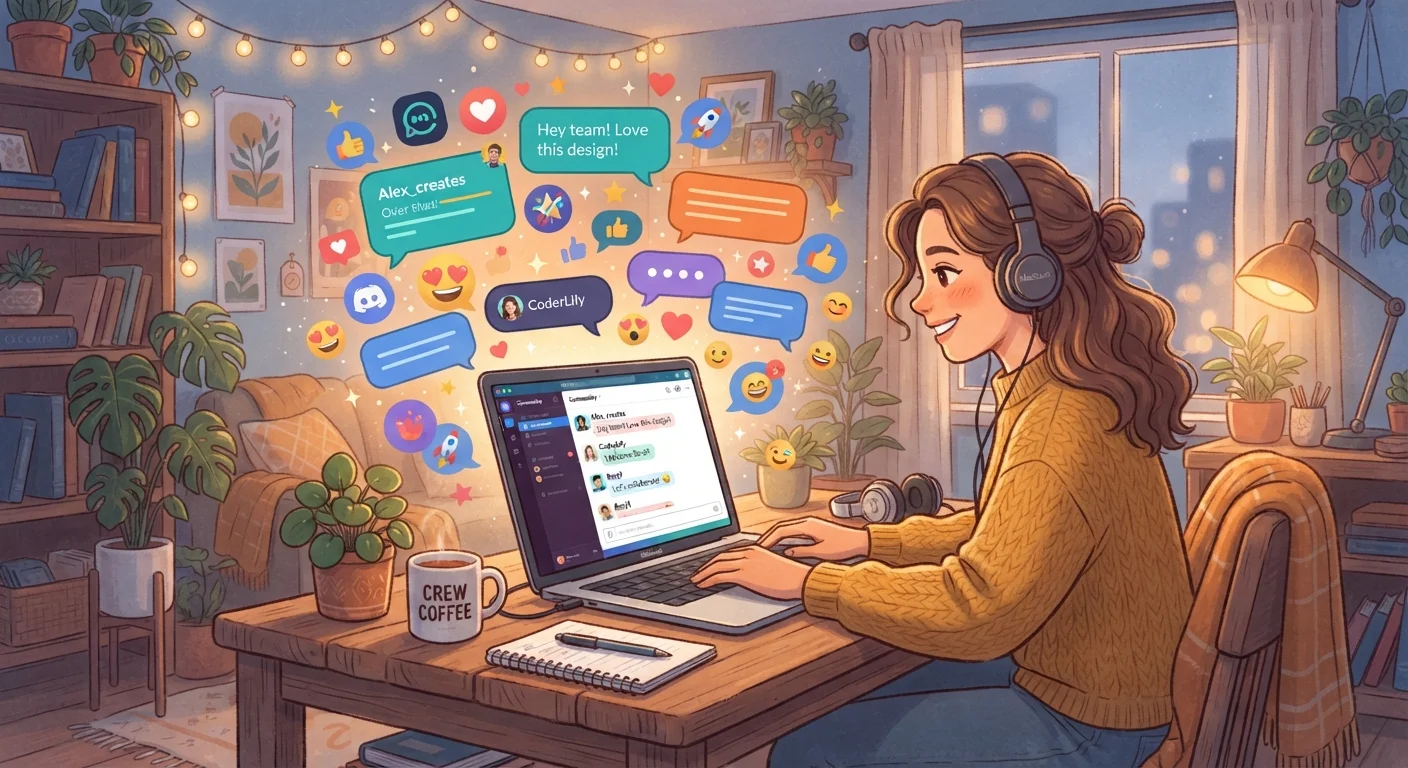
Photo: InsightsVilla.com | Quick Search. Right Info editorial
Key Takeaways
- Online communities exist for nearly every interest, identity, and life situation imaginable.
- Lurking - reading without posting - is a healthy and normal way to get started.
- Good communities have clear rules, active moderation, and a welcoming tone for newcomers.
- Protecting your privacy from day one is easier than fixing problems later.
- Consistent, respectful participation is the fastest path to genuine belonging.
What Online Communities Actually Are
An online community is any digital space where people gather around a shared interest, identity, goal, or experience. That could be a subreddit dedicated to home cooking, a Discord server for indie game fans, a Facebook group for local parents, or a niche forum about vintage watches. The formats vary widely, but the core idea is the same: people connecting with other people around something they care about.
These spaces have reshaped how millions of Americans build social lives. For some, they fill a gap that geography or circumstance makes hard to fill locally. For others, they deepen an existing passion by connecting them with experts and enthusiasts they'd never otherwise meet. See how online interest groups are reshaping hobbies and subcultures for a broader look at this shift.
Lurking
Reading posts and observing a community without actively participating or commenting. It's a normal and accepted way to learn the culture before joining in.
Moderator (Mod)
A person - often a volunteer - who enforces community rules, removes harmful content, and helps keep the space running smoothly.
Thread
A single conversation started by one post, with replies from other members nested below it. Most forum and social discussions are organized this way.
Server
On platforms like Discord, a server is a private or public space where a community gathers, usually divided into separate channels for different topics.
Handle / Username
The name you go by in an online community, which is often different from your real name. Using a handle instead of your real name is common and helps protect your privacy.
Pinned Post
A post that community managers have fixed to the top of a forum or channel so it's always visible. These usually contain rules, FAQs, or important announcements.
Finding a Community That Fits You
The best place to start is with what you already love. Think about your hobbies, questions you find yourself Googling repeatedly, or life situations you're navigating - chances are, a community exists for exactly that.
- Reddit hosts tens of thousands of topic-based forums called subreddits, covering everything from personal finance to sourdough baking.
- Discord is built around real-time chat in servers, often organized by channels for different subtopics.
- Facebook Groups work well for local interest groups and life-stage communities (new parents, retirees, local gardeners).
- Dedicated forums still thrive for technical hobbies like photography, woodworking, and amateur radio.
When evaluating a community, look at how recently people have posted, whether questions get genuine responses, and whether the tone feels constructive. A community with active moderation and clear rules is usually a healthier environment than one with none.
Start with one community, not five
How to Join Without Feeling Lost
Joining a new online space can feel disorienting - like walking into a party where everyone already knows each other. The good news is that most platforms have a natural on-ramp built in: lurking. Lurking means reading posts, threads, and discussions without contributing yet. It's how most experienced community members got started, and it's genuinely useful for getting a feel for the culture before you say anything.
Before posting, take a few minutes to read the community's rules or FAQ - usually pinned at the top of a forum or listed in a server's welcome channel. Skipping this step is the most common mistake newcomers make. Communities develop their own norms and vocabulary over time, so a quick read of our glossary of online community terms can help you decode what you're reading.
Every community has its own culture
Making Your First Contribution
When you're ready to participate, keep your first posts low-stakes. Introduce yourself if the community has an introduction thread - these exist precisely for newcomers. Ask a genuine question you actually have. Offer a small piece of help in your area of knowledge. Upvote or react to posts you find useful.
What tends to go wrong for newcomers is trying to make a big impression too fast - posting controversial takes, self-promoting, or asking questions that are clearly answered in pinned resources. Patience and genuine curiosity go a long way.
Consistent, respectful participation builds trust over time. People in tight-knit communities notice regulars. If you show up, engage honestly, and treat others well, belonging tends to follow naturally. If you're turning to online communities partly because you feel isolated, our article on finding your people online when you feel isolated offline offers thoughtful guidance on approaching that search.
Staying Safe and Setting Boundaries
Privacy and safety deserve your attention from the very first day. Use a username that doesn't reveal your real name, avoid sharing your location, workplace, or other identifying details in public posts, and use a dedicated email address if registration requires one.
Be alert to communities that push you to share personal information quickly, discourage questions about rules or moderation, or normalize hostility toward certain groups. These are red flags worth taking seriously. Our detailed guide to staying safe when you join a new online community walks through a practical checklist you can use before diving in. For foundational digital habits, protecting your privacy online is a strong companion read.
Setting personal limits also matters. It's okay to mute conversations, take breaks, or leave communities that drain rather than enrich you. A good online community should feel like it adds something to your life - not subtract from it.
Not every community is what it appears
Frequently Asked Questions
The content on this site is for informational purposes only and is not a substitute for professional advice. Always consult a qualified professional for guidance specific to your situation.